



@amyrosemedia
@amyrosemedia
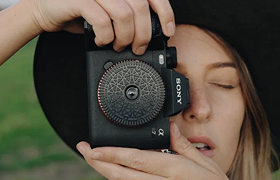
Filmmaker x Photographer
100k+
@lando
@lando
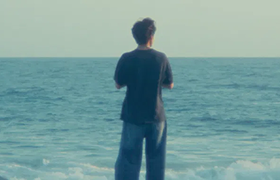
F1 World Champion
11.9m+
@prodhipo
@prodhipo
Cinematographer
130k+

Retropia® Rolls

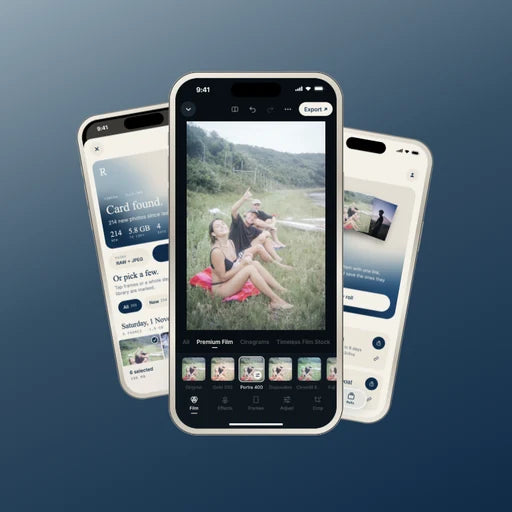
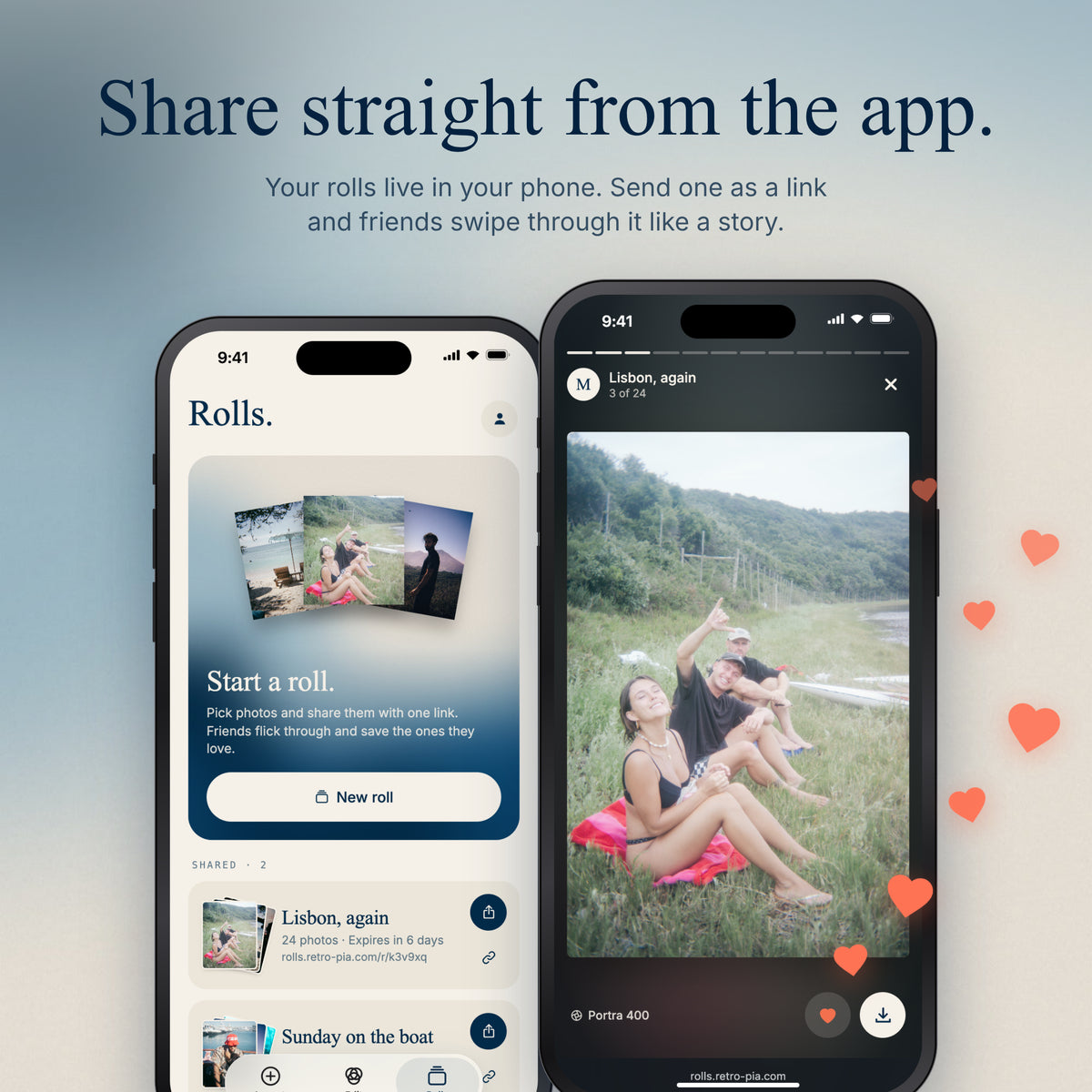
Import photos to your phone, give them a film look, and share a roll with one link.

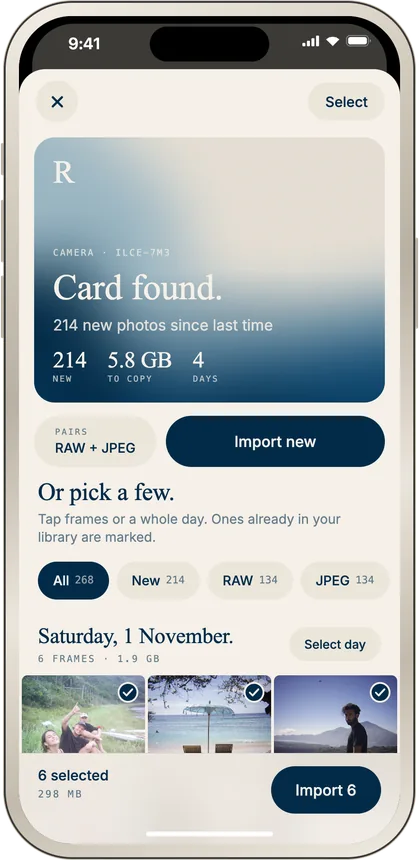
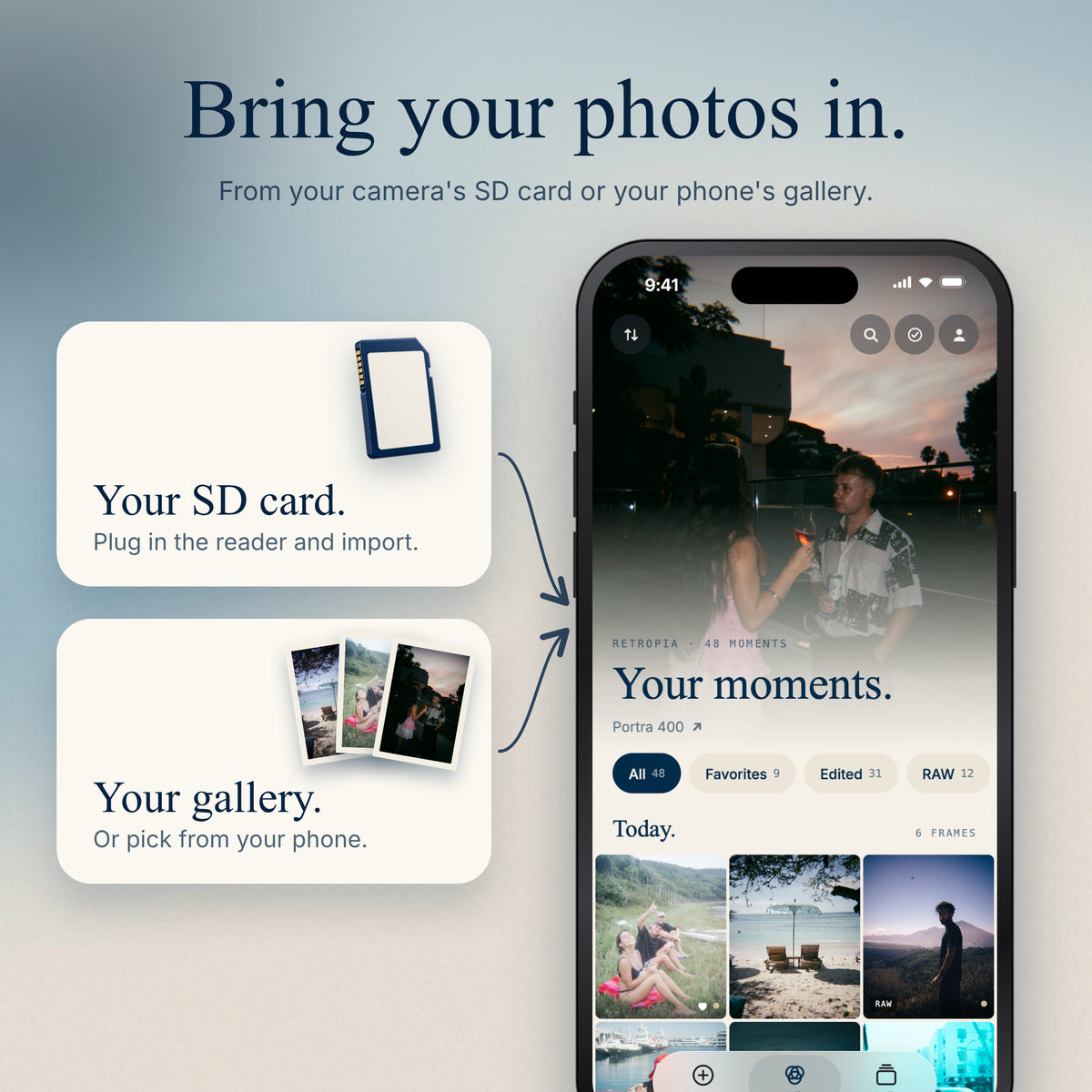
  • Import from your SD card, library or Files
  • Apply a film look and fine-tune your edits
  • Create a roll and share it with one link
  • Friends swipe and save in their browser

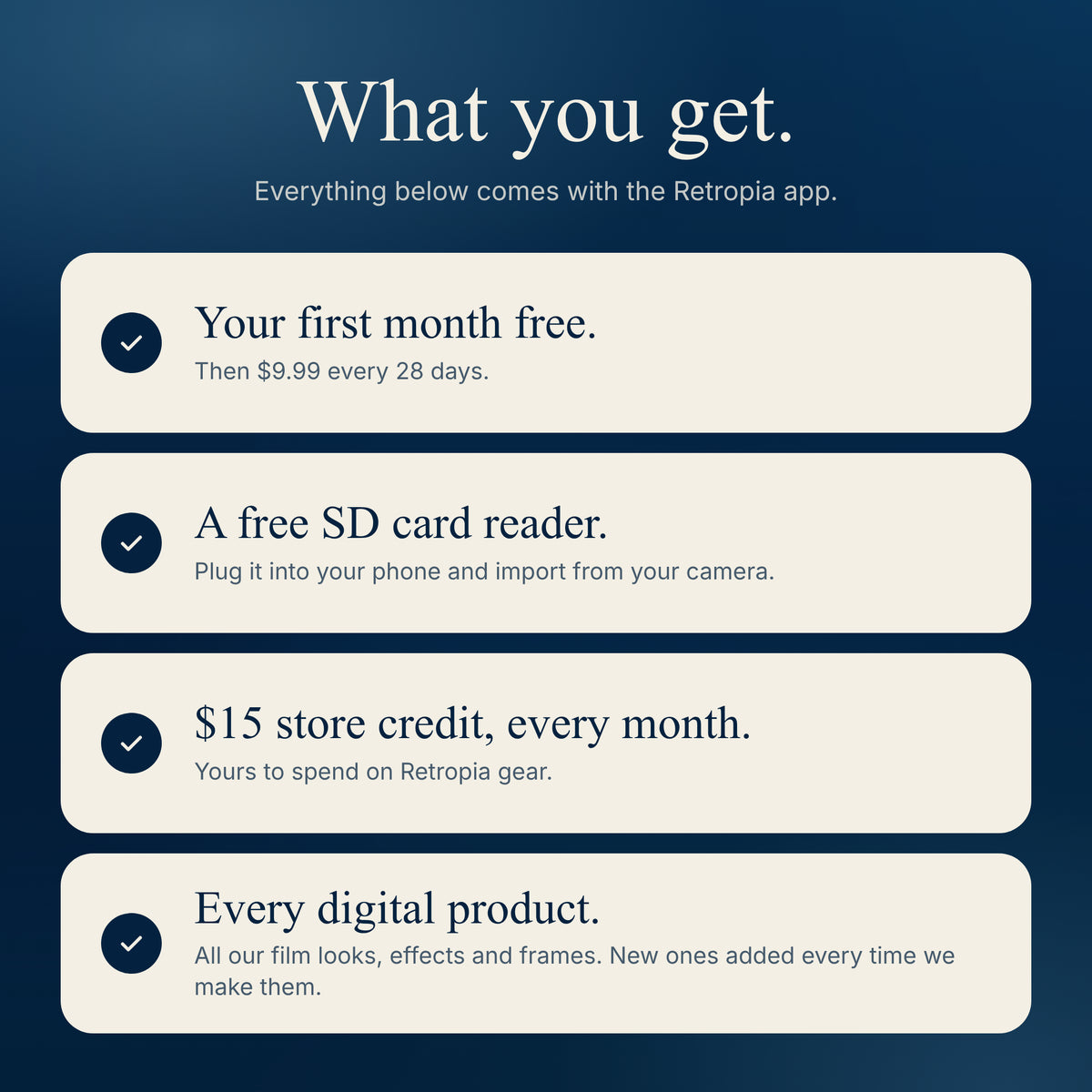
7 days free, then $9.99 every 28 days

Start your free trial
  • Works on iPhone
  • Works on Android
  • Amazon
  • American Express
  • Apple Pay
  • Bancontact
  • Bizum
  • Diners Club
  • Discover
  • Google Pay
  • iDEAL Wero
  • Mastercard
  • PayPal
  • Satispay
  • Shop Pay
  • Visa

How to use Retropia Rolls

  1. Import photos

    Use an SD card with an adapter, your photo library or Files.

  2. Apply a film look

    Choose a film look and fine-tune the photo on your phone.

  3. Create a roll

    Pick the photos you want to share and send one link.

  4. Friends save favorites

    Friends can swipe, heart and download their favorites together in their browser.


Import, edit and share photos and videos from your phone. The app includes 100 film looks for photos, 12 looks for video, effects, frames, light leaks and a full photo editor. You can share a roll with one link.

Yes. Choose a film look and use the strength slider to dial it up or down. Open Adjust to fine-tune the photo.

Yes. Send the same link to as many friends as you like. They can open the roll in their browser and save their favorite photos without installing the app.

@amyrosemedia
@amyrosemedia
Filmmaker x Photographer
100k+
@lando
@lando
F1 World Champion
11.9m+
@prodhipo
@prodhipo
Cinematographer
130k+

The problem

Nobody opens the folder

Getting photos to your friends is a whole workflow. Then they land in a link nobody wants to scroll.

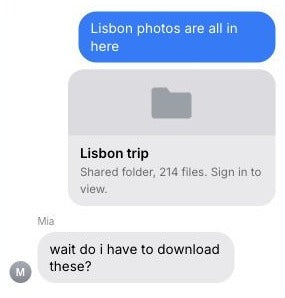
Send a folder

Friends may have to sign in and look through the folder to find their photos.

A shared Lisbon trip folder asks friends to sign in. A friend asks if they have to download the photos.

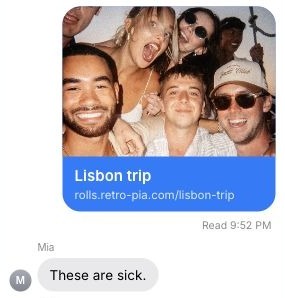
Send a roll

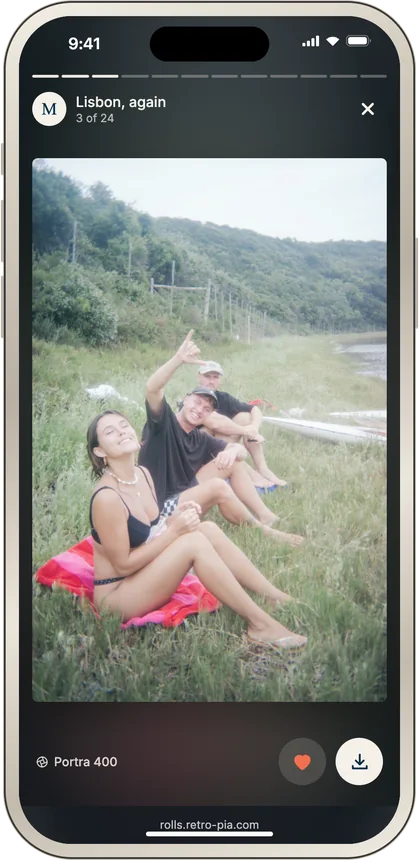
Friends open one link in their browser. They can swipe, heart and save their picks.

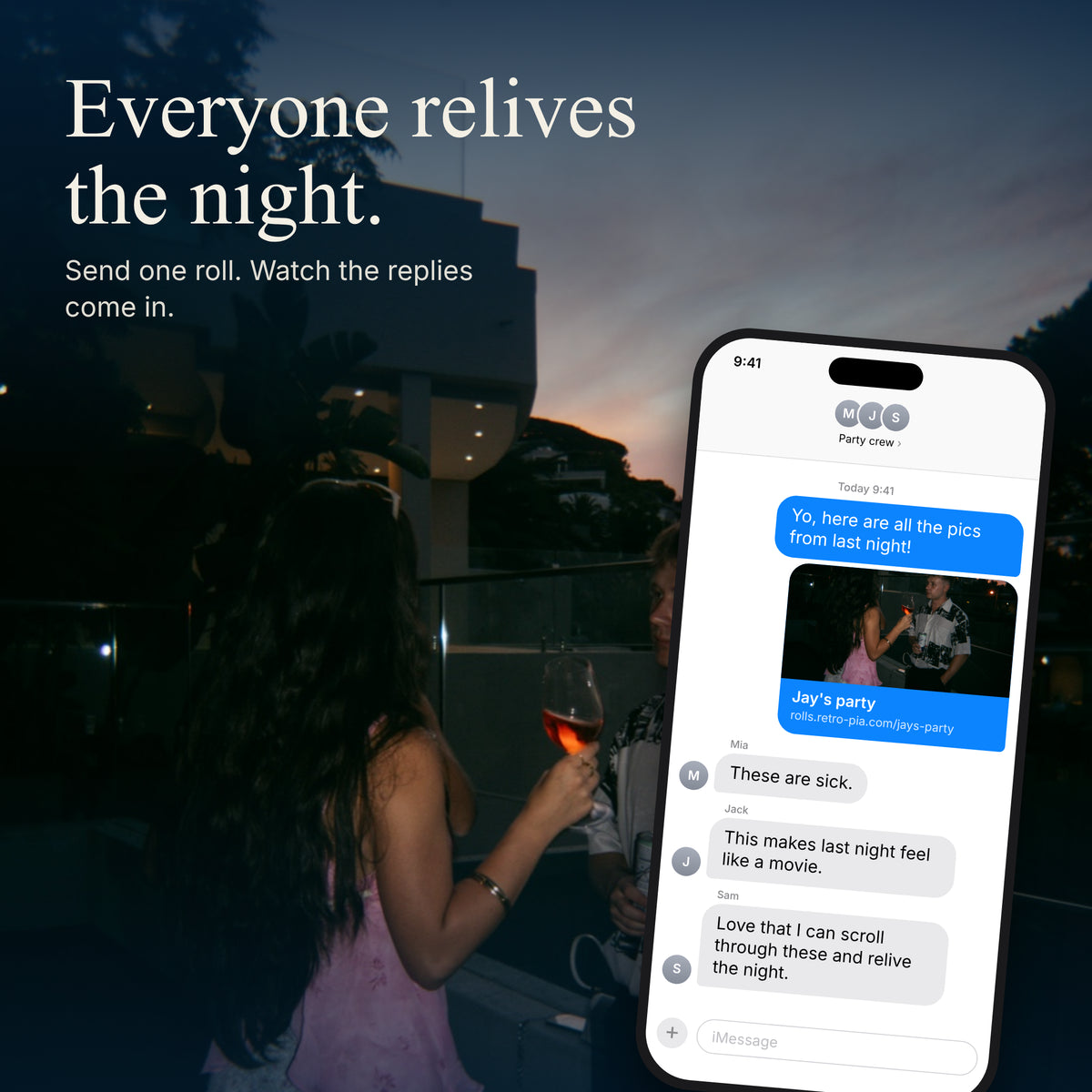
A Lisbon trip roll link previews a group photo. A friend replies, “These are sick.”

From camera to friends

Import your photos, give them a film look, and share a roll your friends can open in their browser.

  1. Import

    Camera to phone.
    No laptop

    Plug in your SD card with an adapter, or pull from your photo library or Files. RAW files are converted so you can edit them on your phone.

    Import sources
    • SD card adapter
    • Photo library
    • Files
    Import preview
  2. Edit

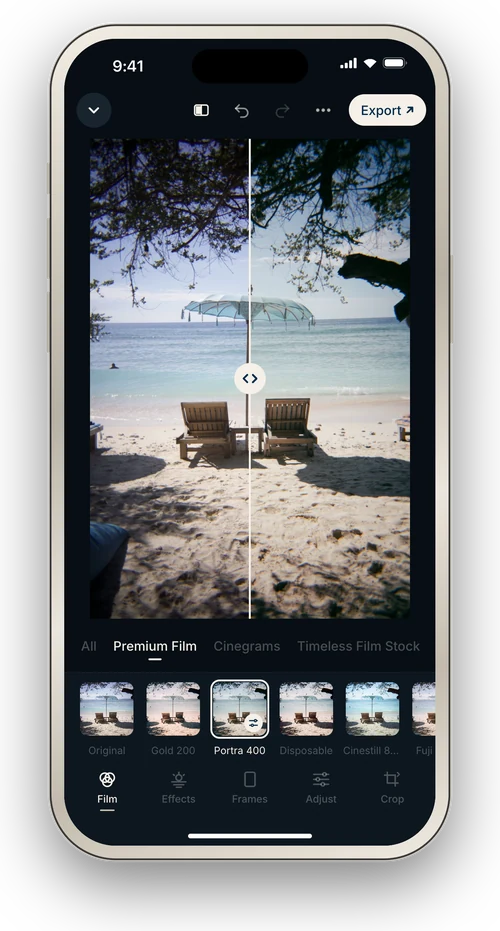
    Film looks in one tap.
    Full control underneath

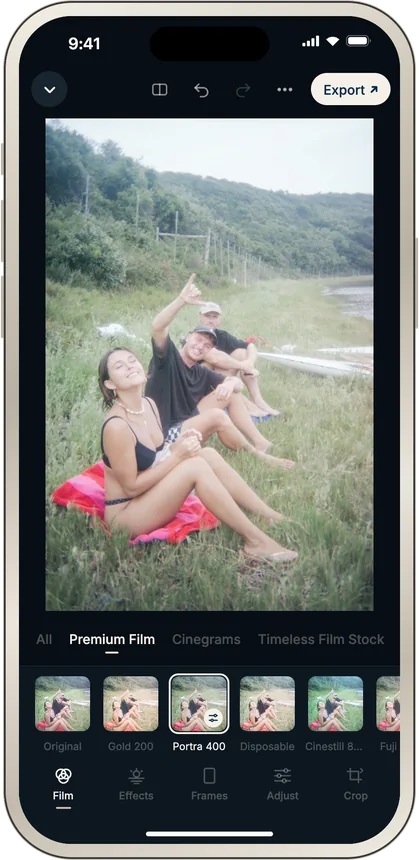
    Swap looks, slide the strength, add a frame or a light leak, then open Adjust to fine tune every detail.

    Photo being edited
    80 Golden Bliss
    +97more looks
    Photo being edited
    0 Exposure
    Try the looks and the tabs
  3. Share

    Pick your favorites.
    Make a roll

    A roll is an interactive album behind one link. Choose the shots, tap New roll and it is ready to send. It takes seconds.

    Create and share
    • Select photos
    • New roll
    • Share link
    Share preview
  4. Your friends

    They don’t need
    the app

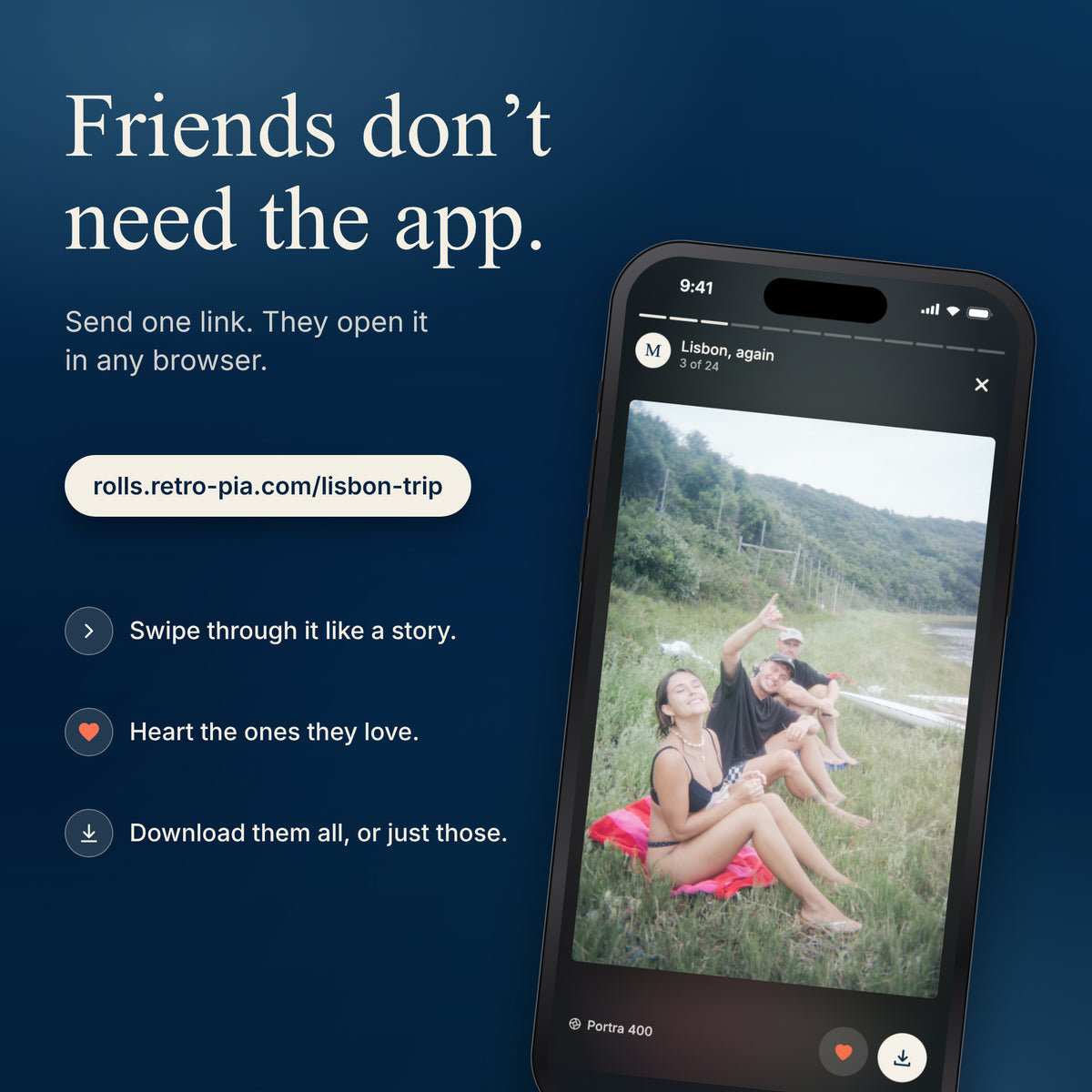
    One link opens in Safari or any browser, with no app and no sign-in. Friends swipe through, heart the photos they love and download their favorites together.

    In the browser
    • Open the link
    • Heart favorites
    • Save together
    Tap the sides · Double tap to heart · Download

A little film feeling

Make it look like a memory

Start with a film look, then make it yours. Your edit stays with every photo in the roll.

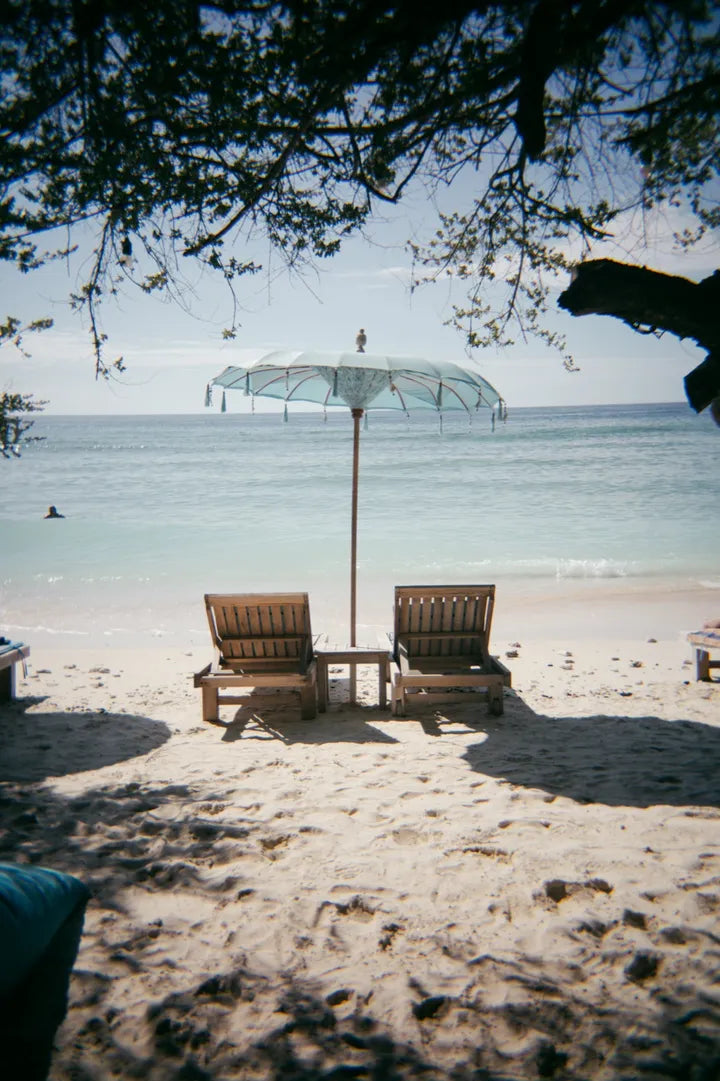
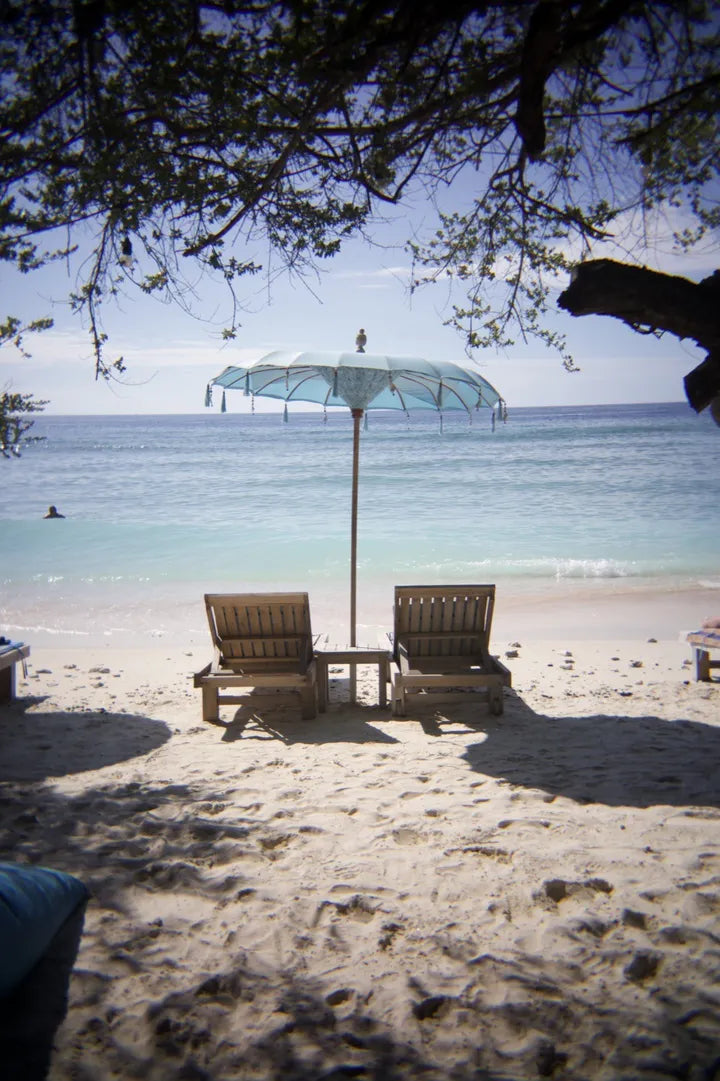
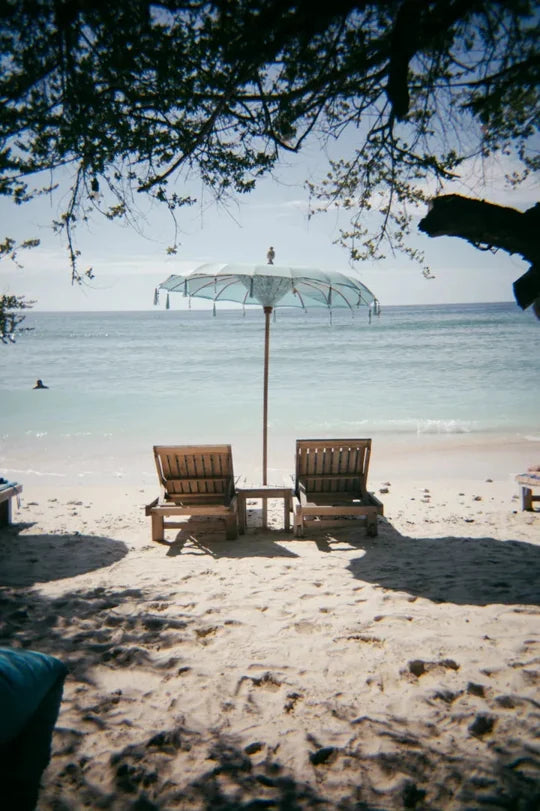
Two chairs under an umbrella on a beach
Original Portra 400

Find your favorite color, grain and mood.

Your look, your way

A full editor underneath

Control the strength of your look. Fine tune exposure, warmth and contrast, then compare your edit with the original.

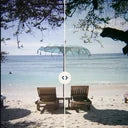
See the difference Drag to compare your film look with the original.
Tap to compare
Keep the details yours Fine tune light and color with the full photo editor.
Photo being edited
0 Exposure
Tap to adjust
Give videos a film look Choose from 12 film video looks for your clips.
Photo being edited
80 Golden Bliss
+97more looks
Try a film look

Better on both sides

You make the roll.
They relive the moment.

For you, the photographer

  • Go from camera to phone without a laptop.

  • Build a film look that feels like yours.

  • Share photos your friends actually go through.

For your friends

  • Open one link in their browser.

  • Swipe through the night, trip or weekend.

  • Heart their favorites and save them together.

  • Retropia Rolls

    Import, edit and share your photos from one app.

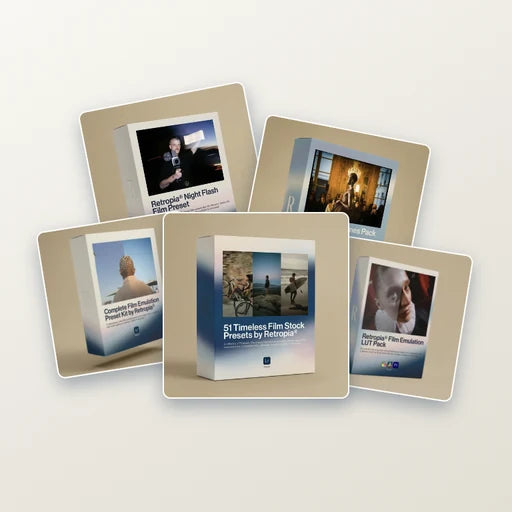
  • All our digital products

    Explore Retropia’s digital collection alongside the app.

  • $10 store credit every month

    Put your credit toward your next Retropia purchase.

Send something worth opening

Send your first roll

Import, edit and share from one app.
One link for your friends to relive it all.

Start your free trial
  • 7 days free, then $9.99 every 28 days

  • Works on iPhone

  • Works on Android

A few things you might ask

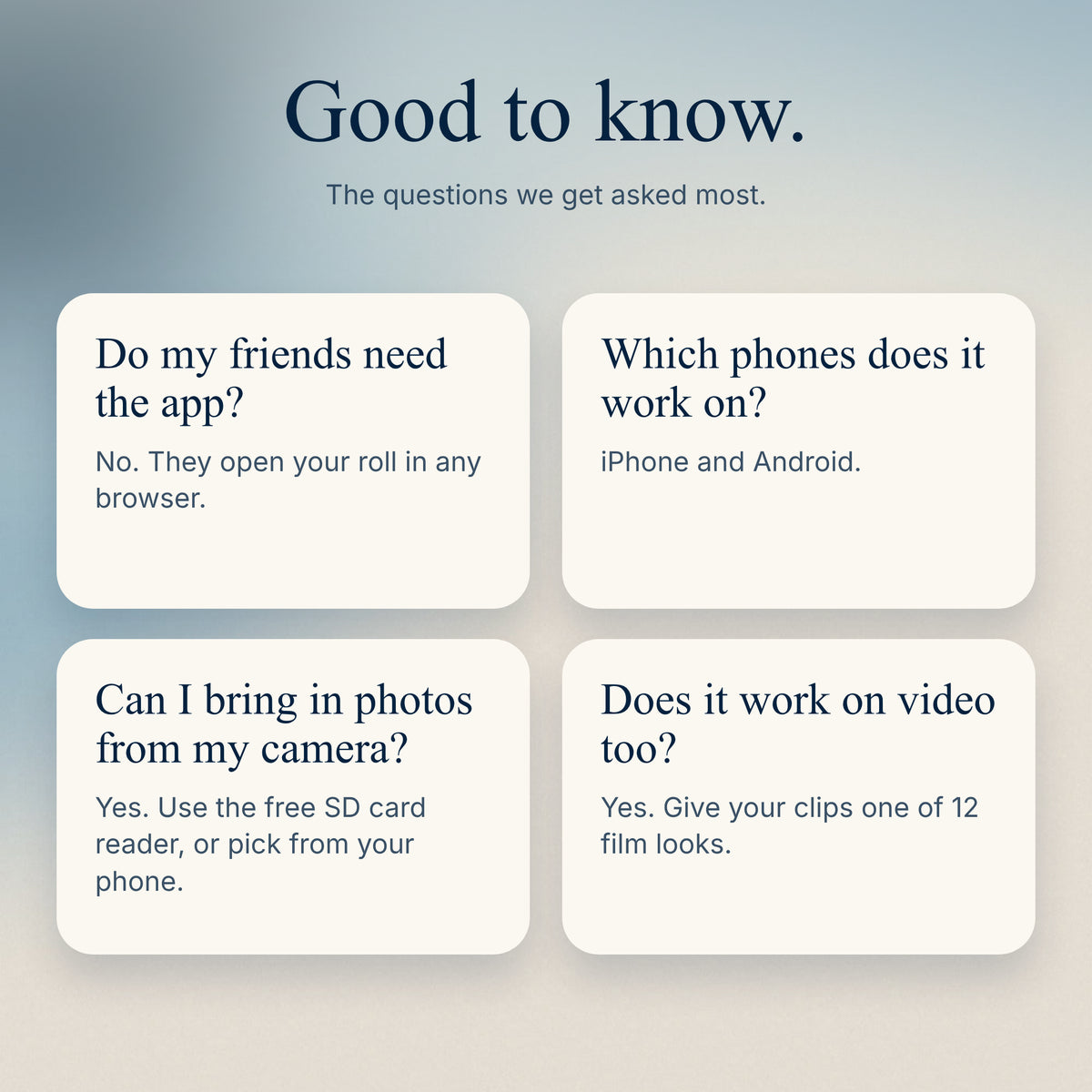
  • Yes. Retropia Rolls works on both iPhone and Android.

  • No. A roll opens from one link in any browser, with no app and no sign in.

  • Photos and video from your camera's SD card (with an adapter), your photo library or Files. RAW files are converted so you can edit them on your phone.

  • They tap through the roll, heart the ones they love, then download everything they liked in one go.

  • Yes. The roll shows your photos exactly as you edited them.

  • Yes. Videos get 12 film video looks, and photos get 100 film looks, 35 effects, 30 light leaks and 15 frames, plus a full editor.

  • Your first 7 days are free, then $9.99 every 28 days.