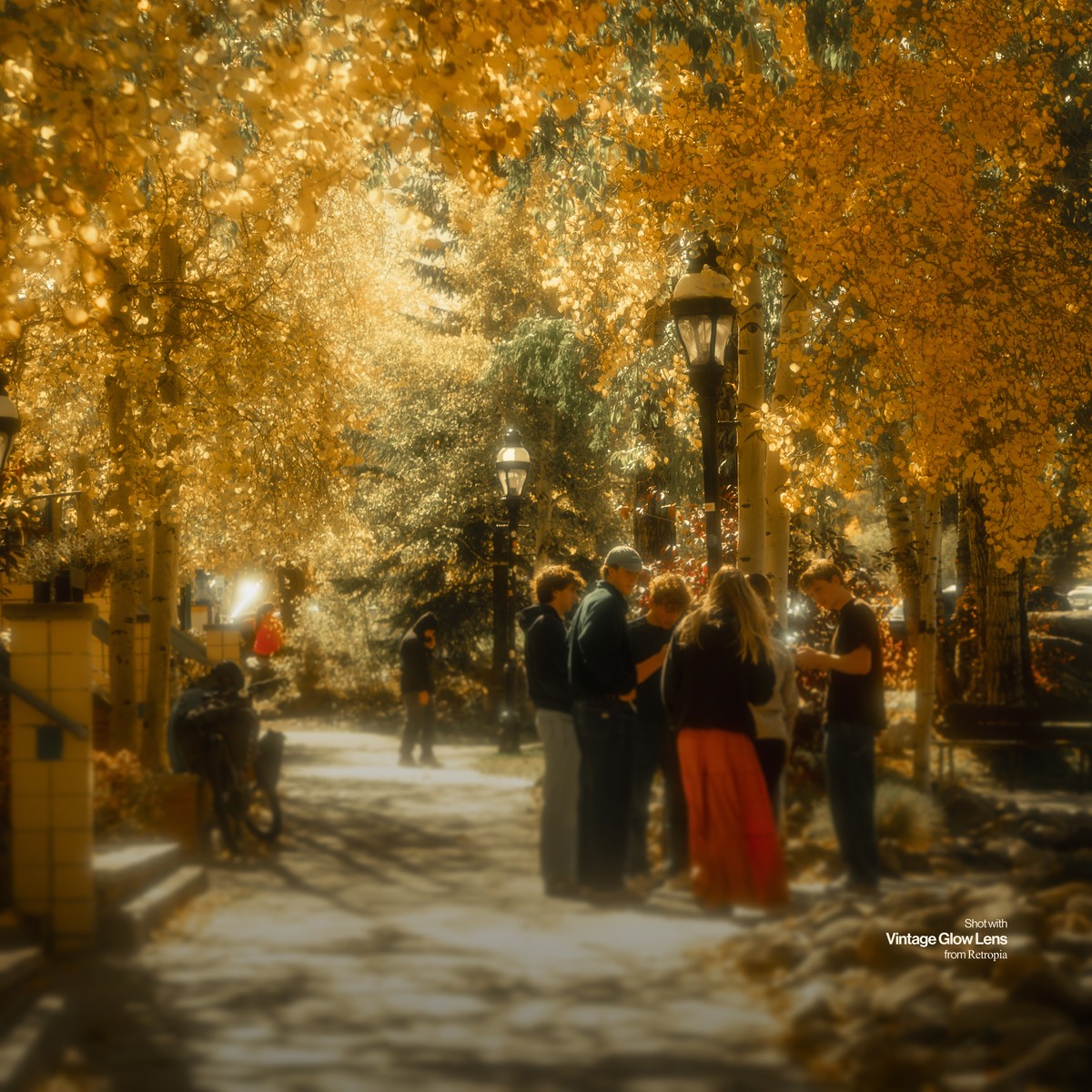
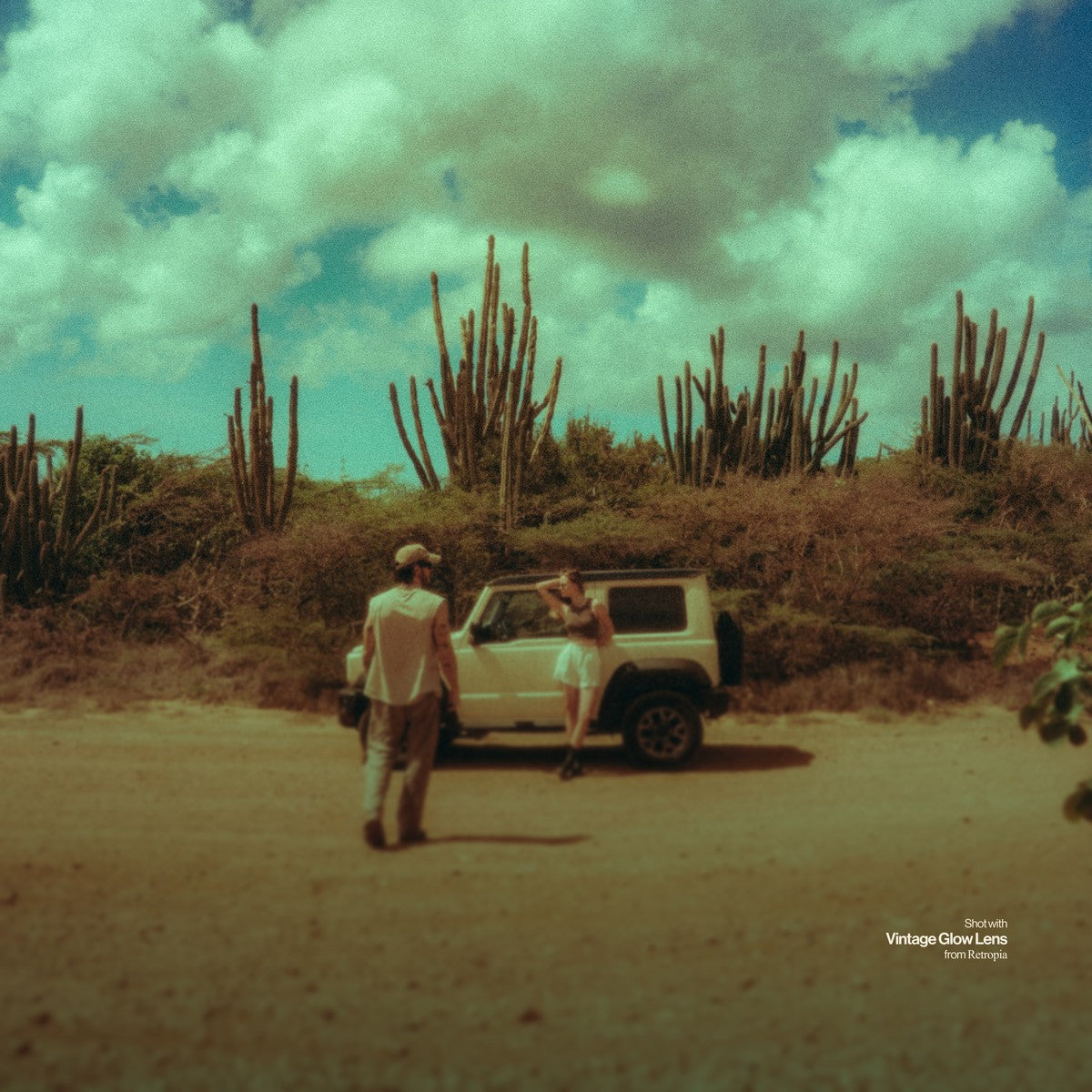
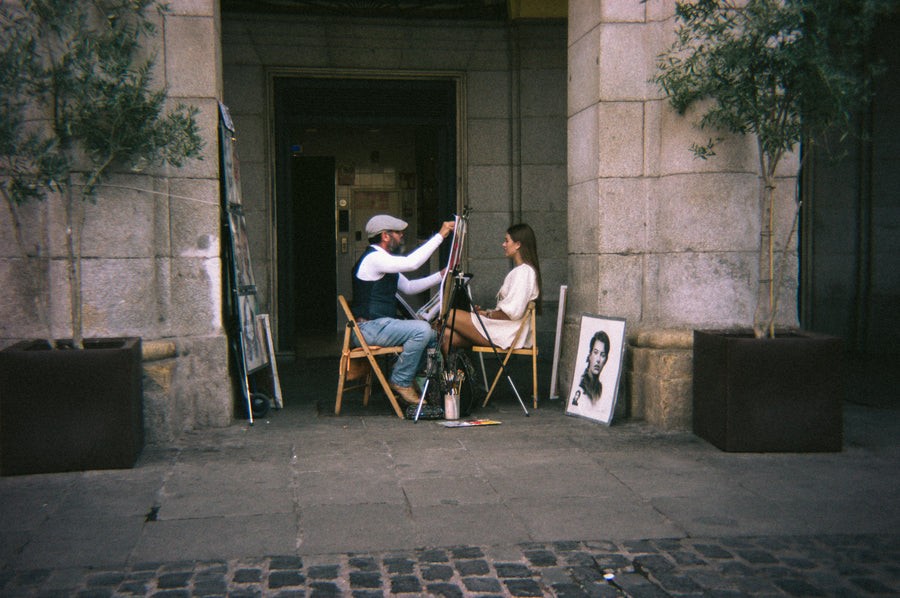
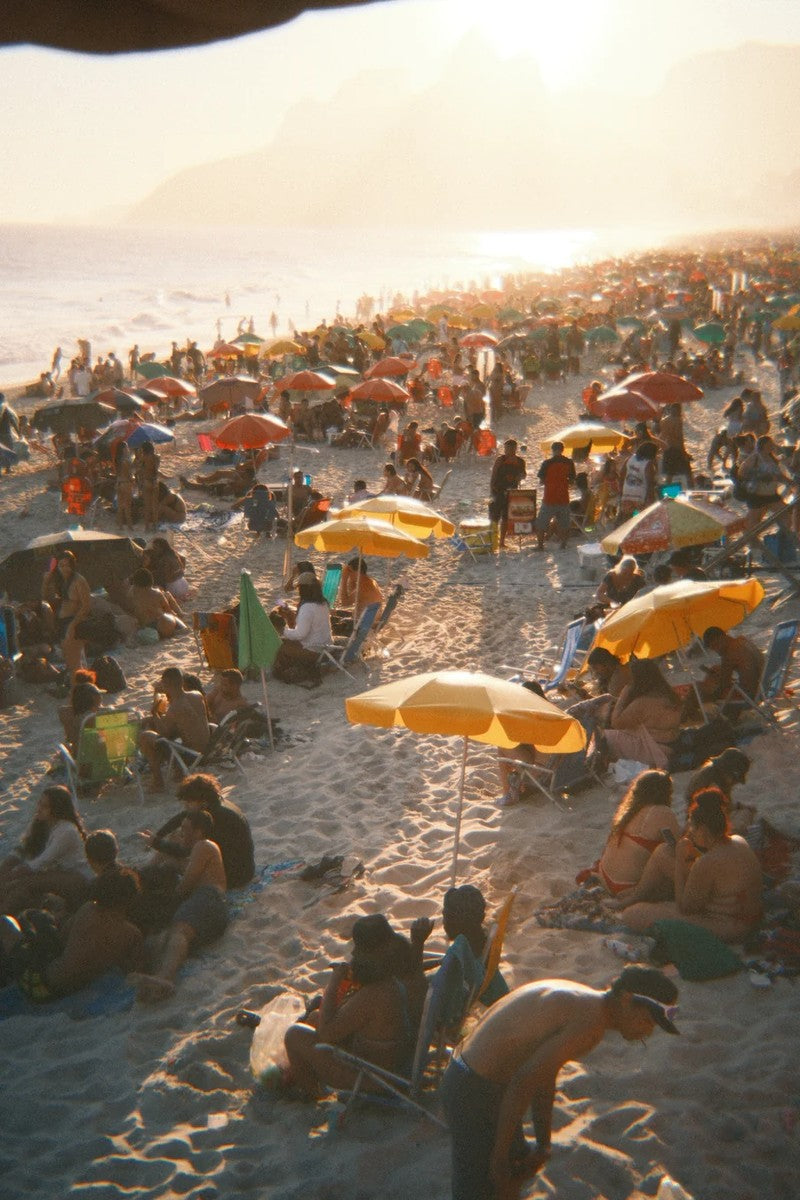
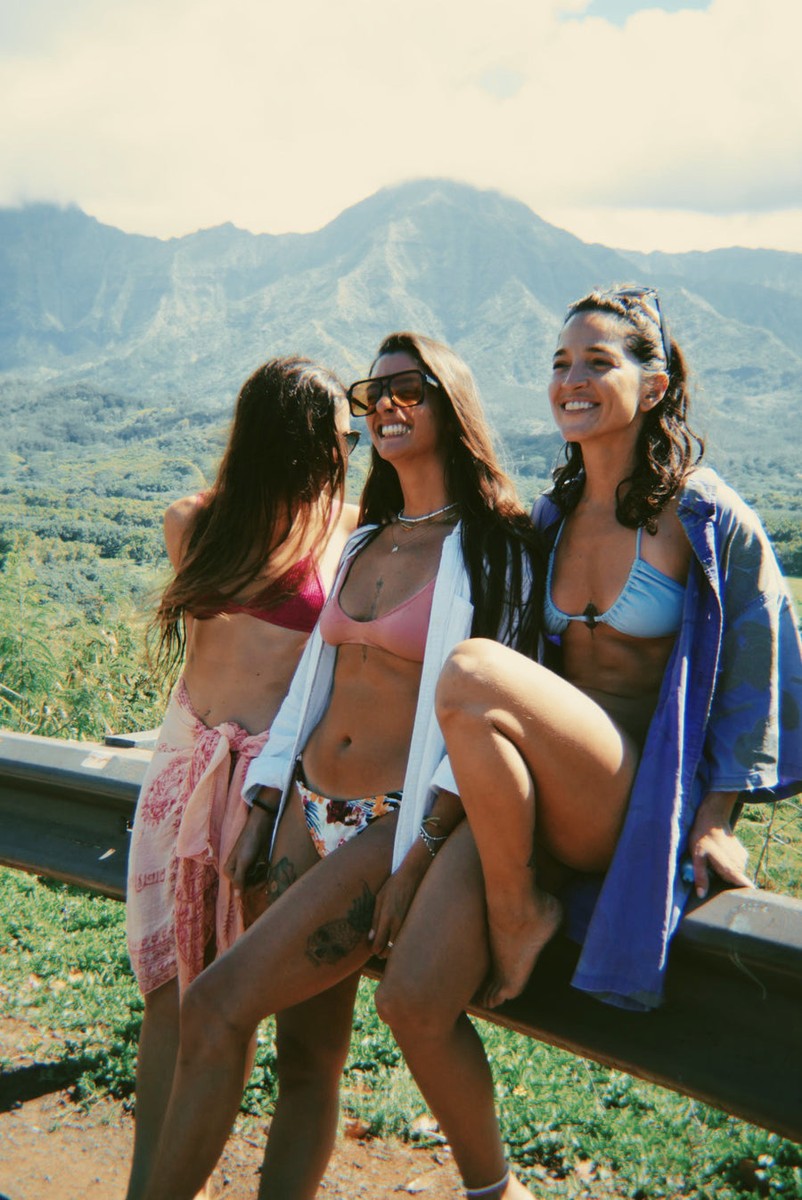
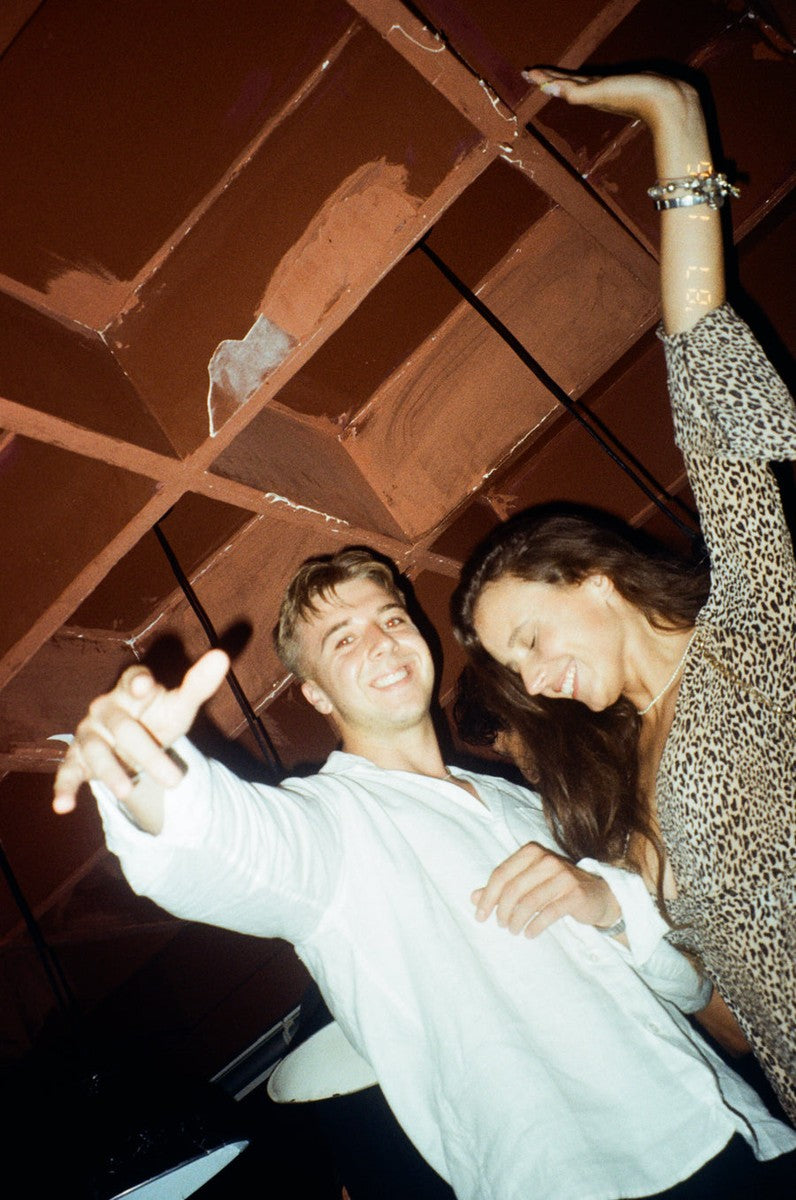
Precision detailing
Grain where film puts it
Automatic masks read highlights, midtones and shadows, so the texture follows the light.
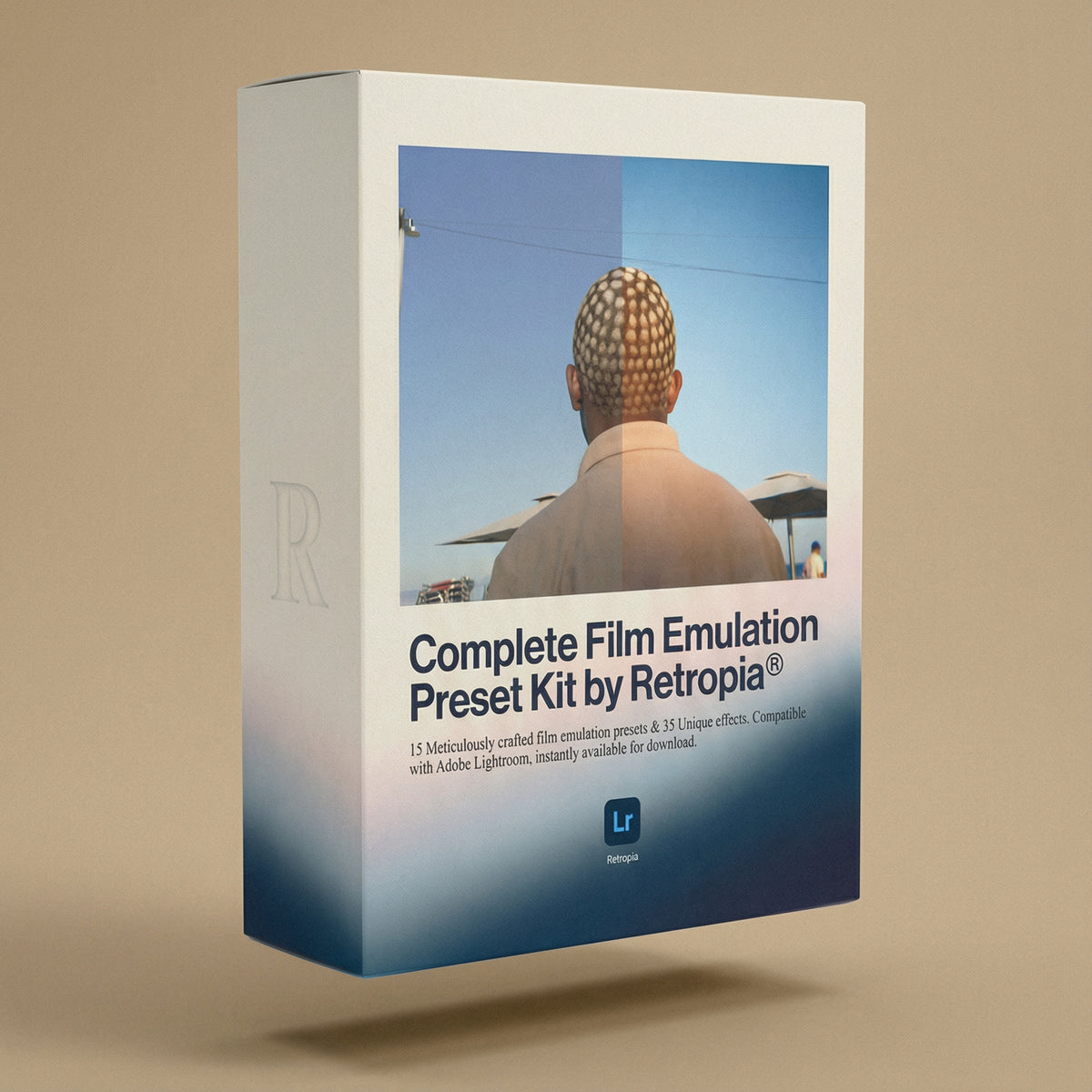
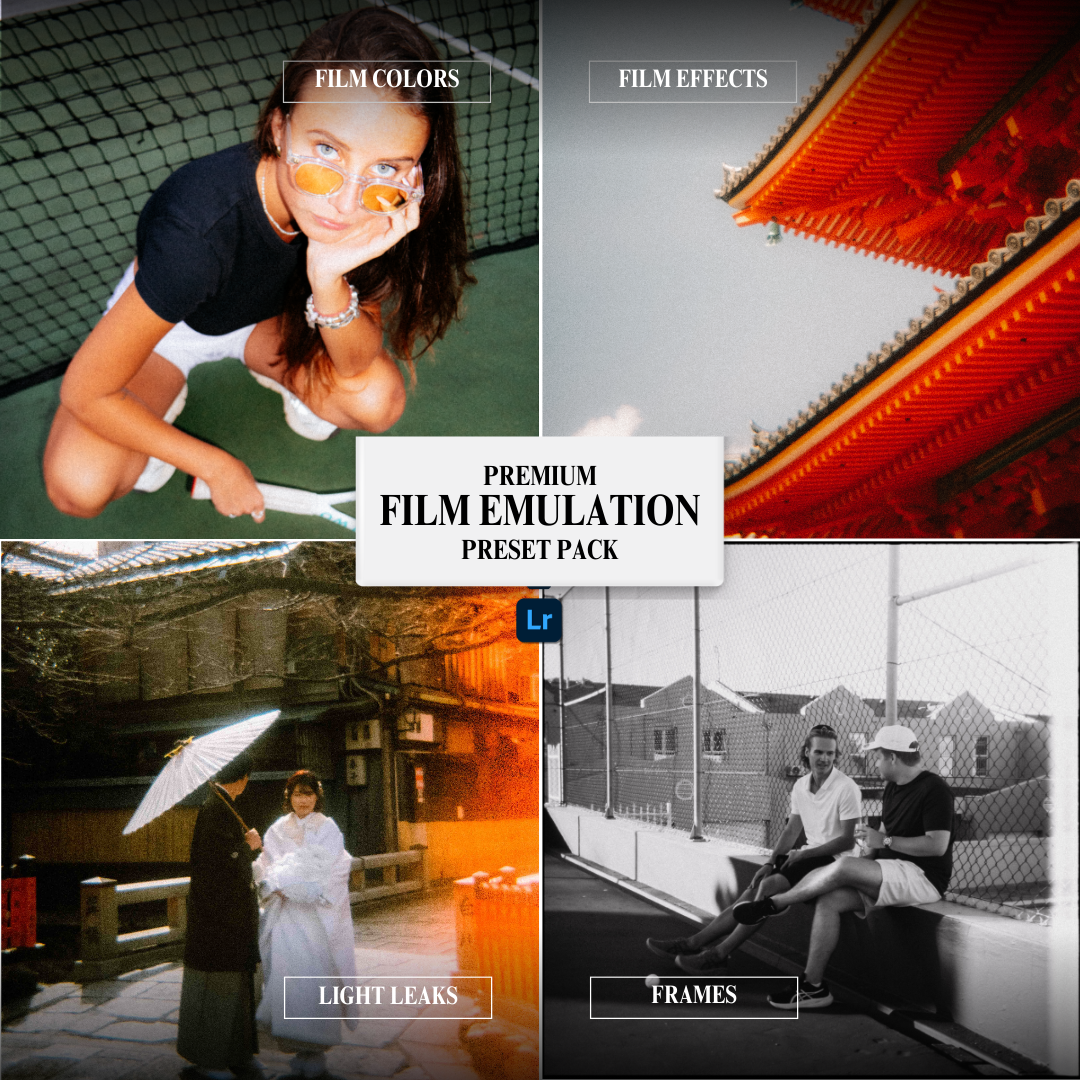
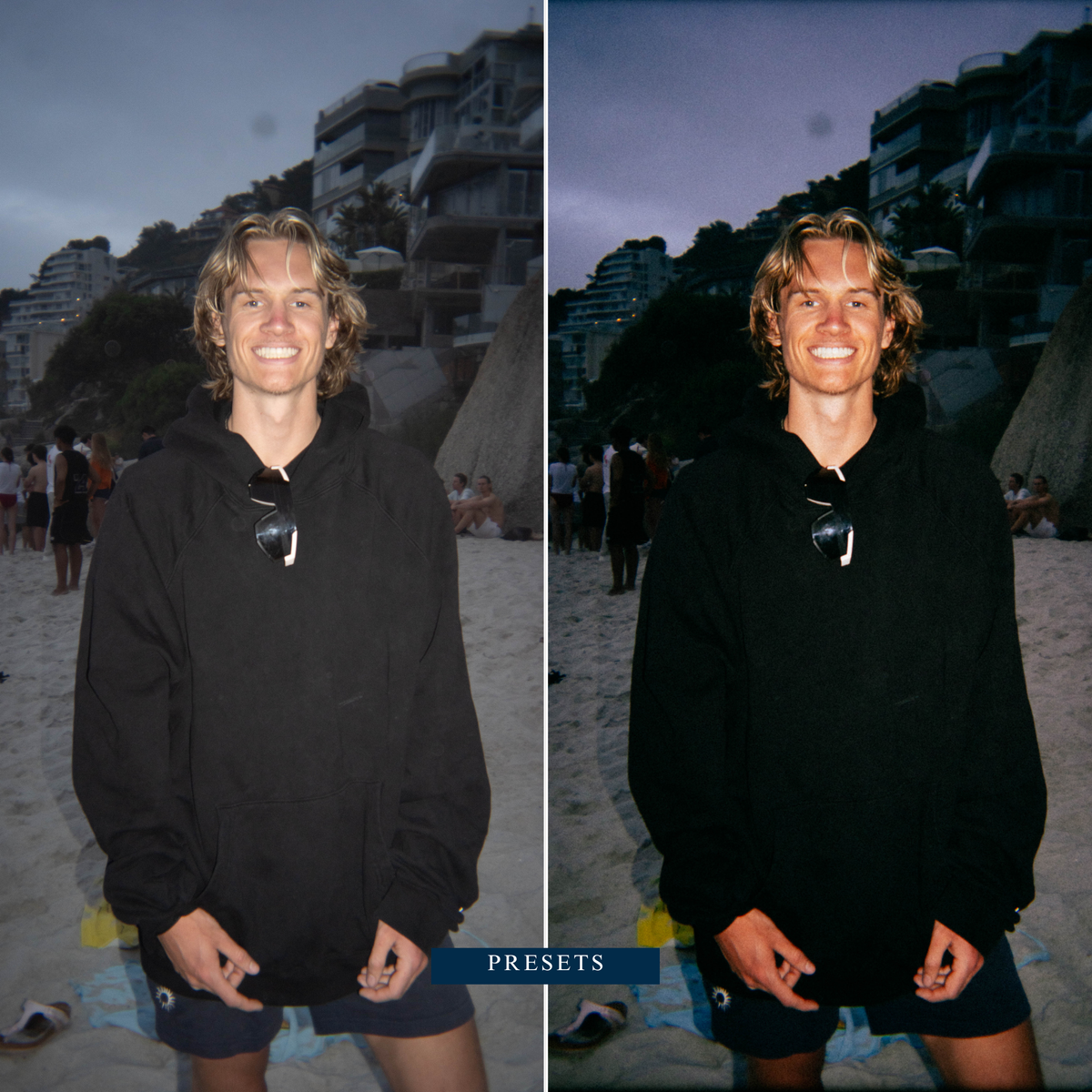
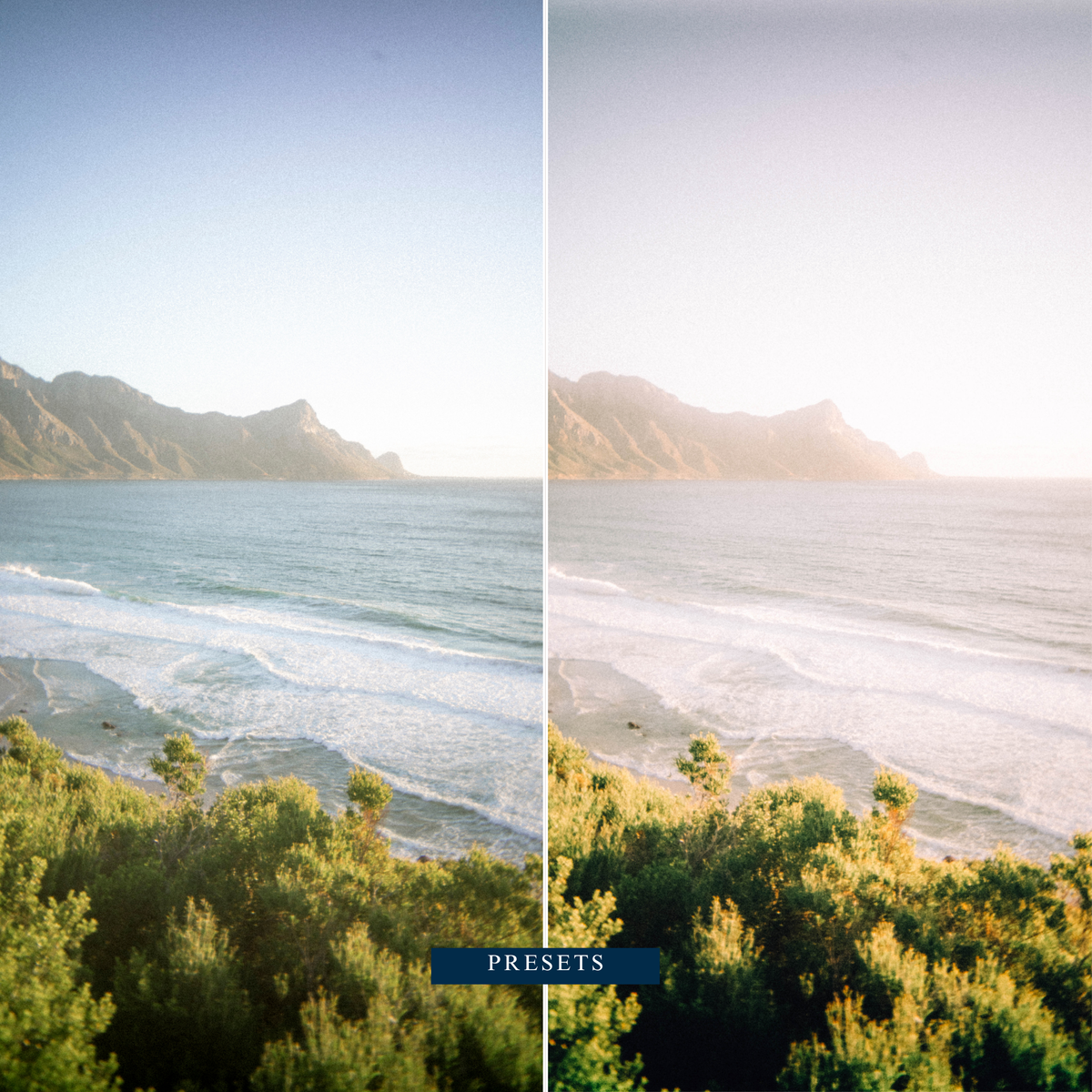
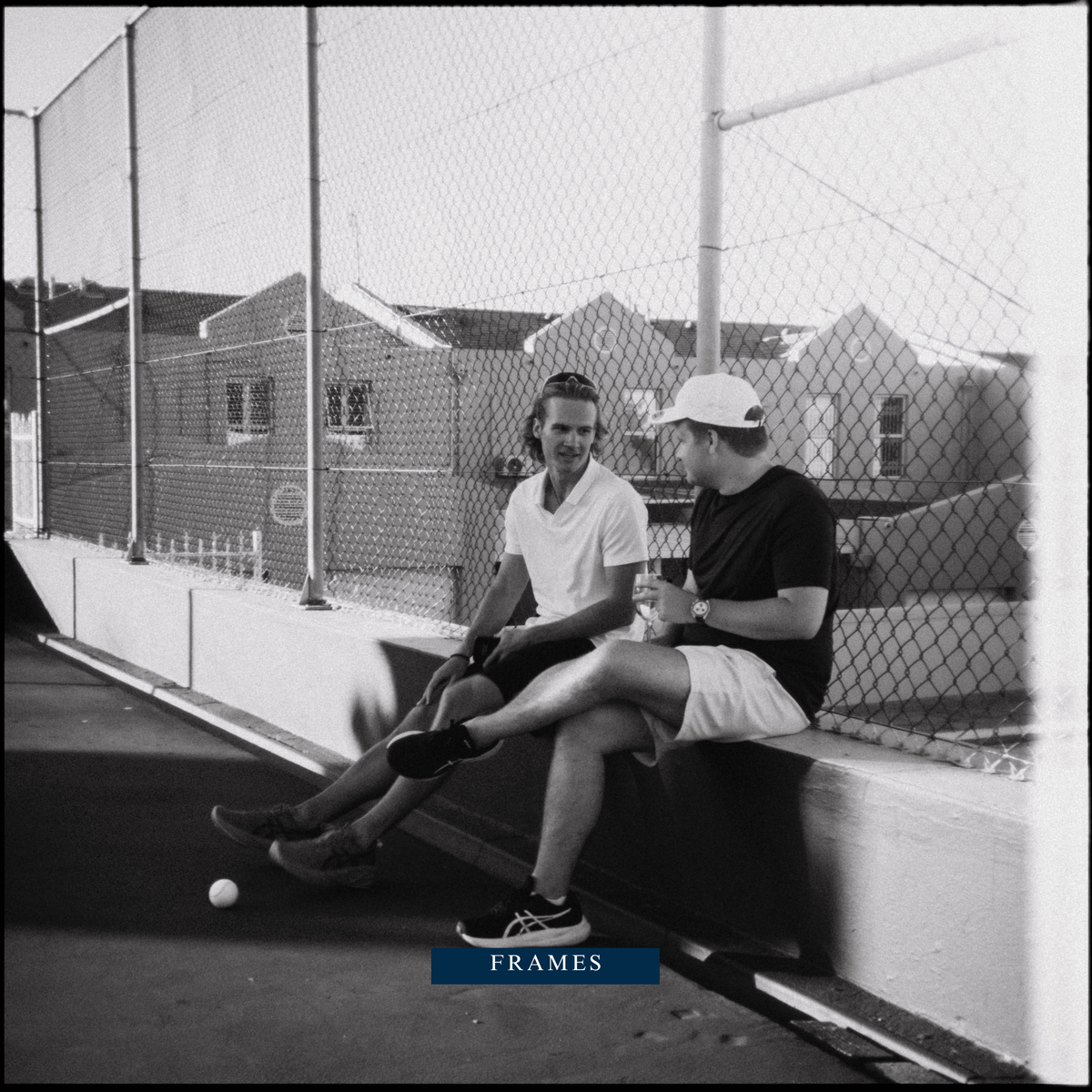
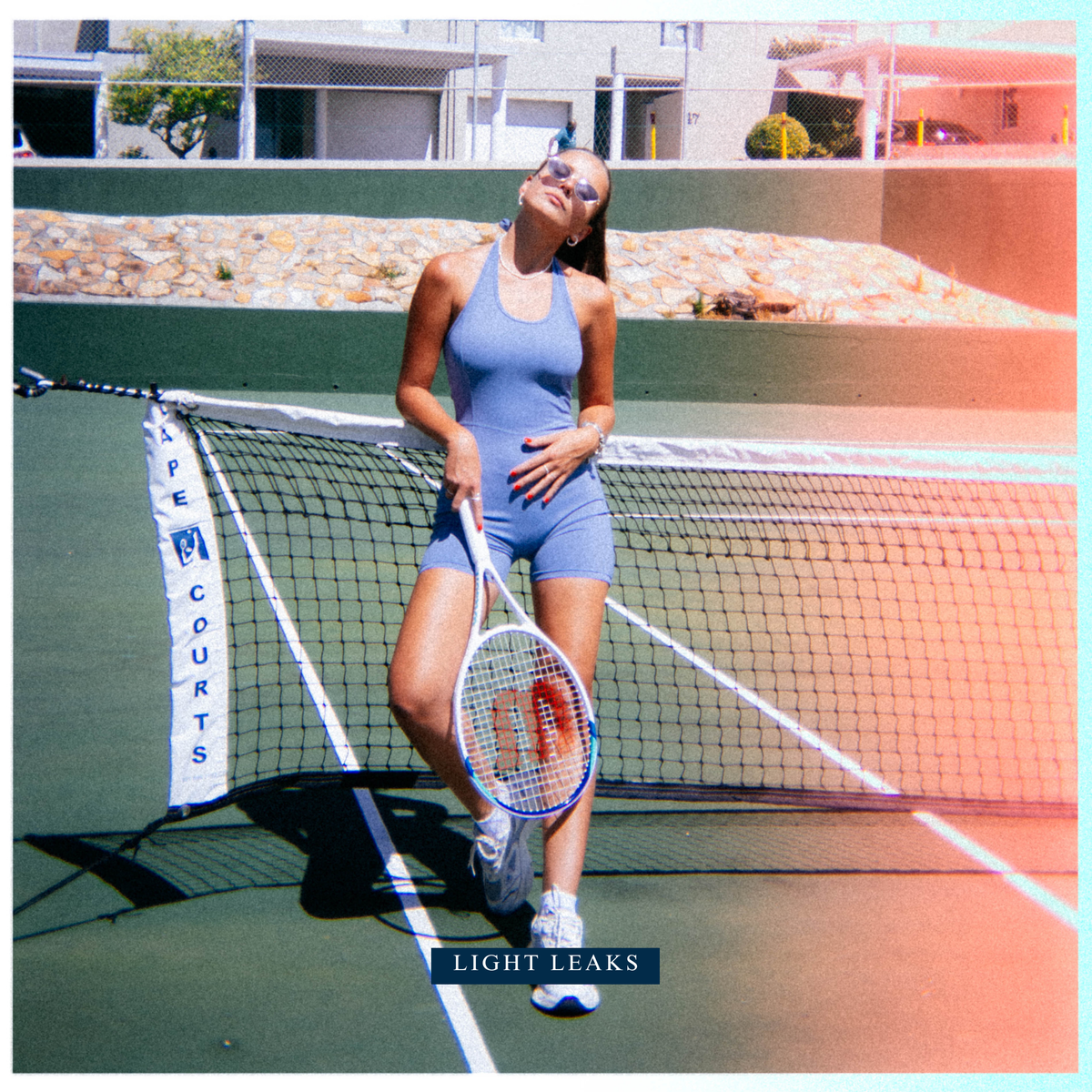
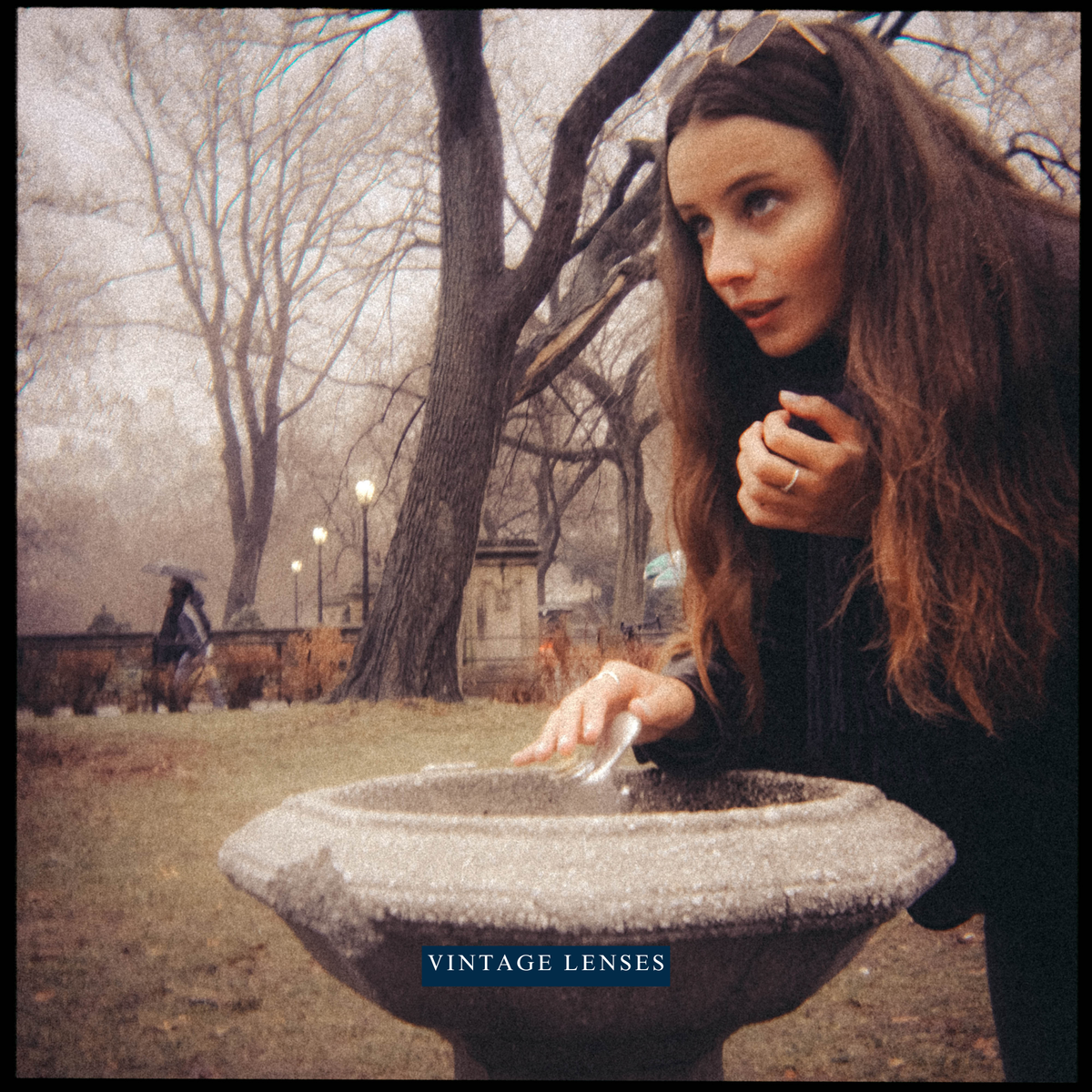
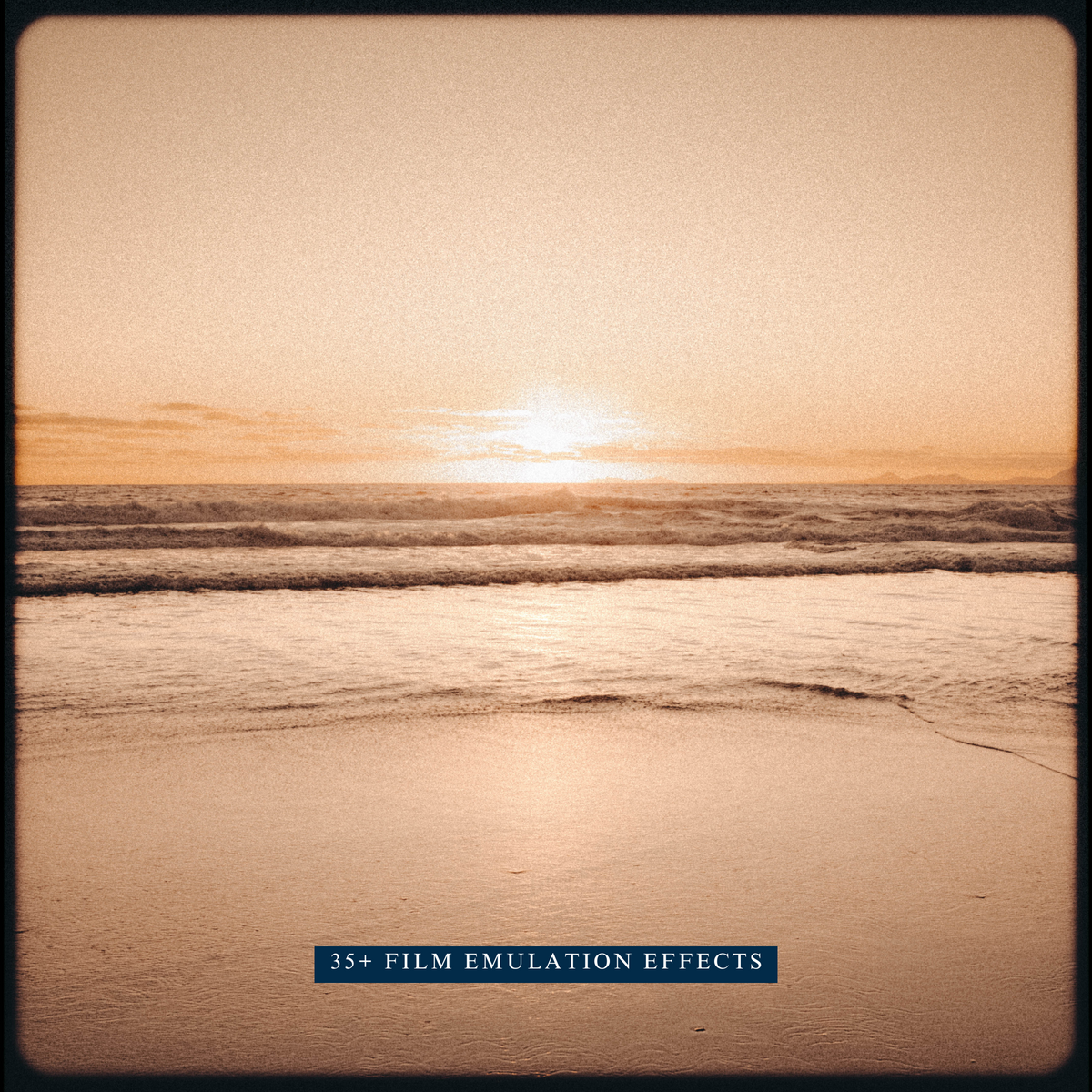
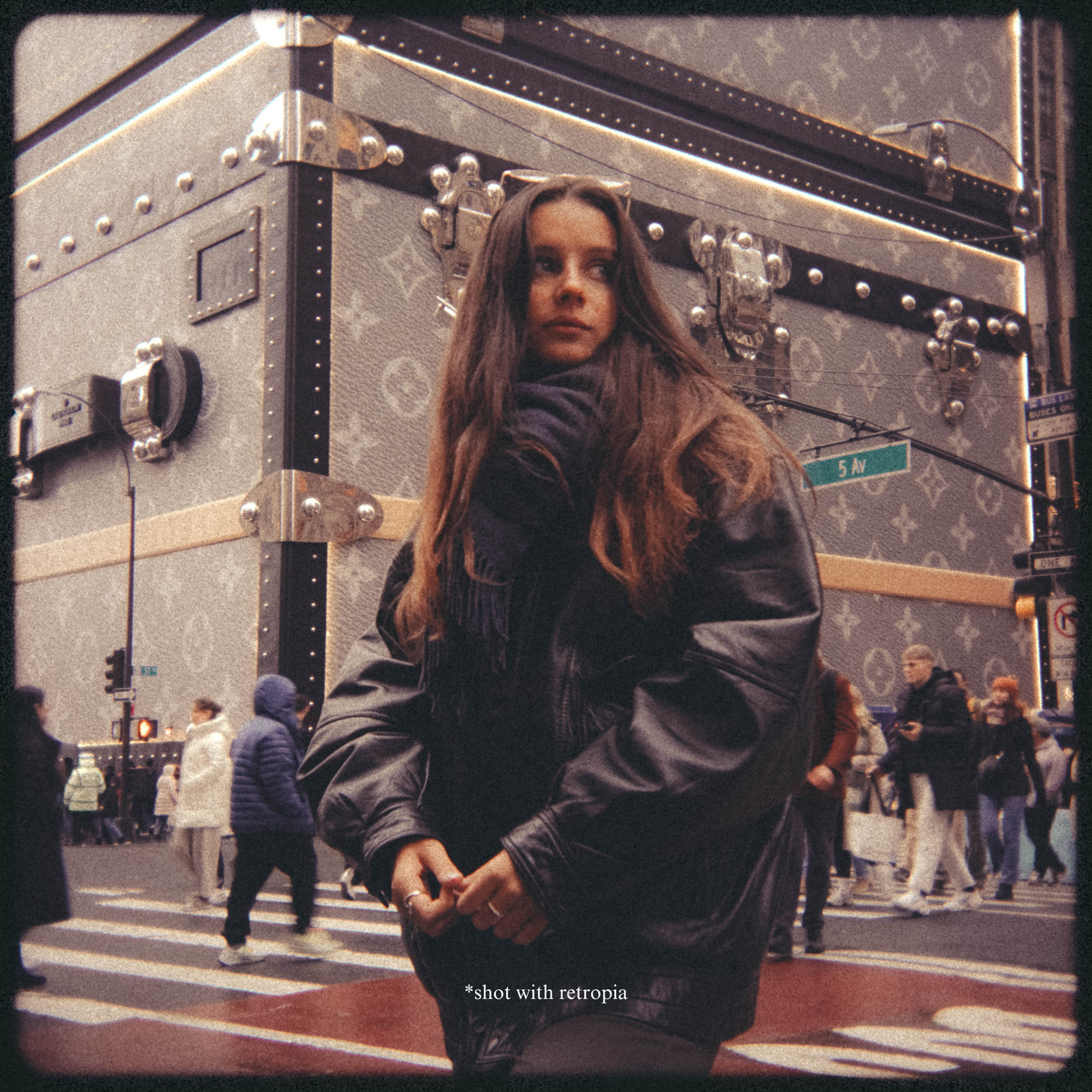
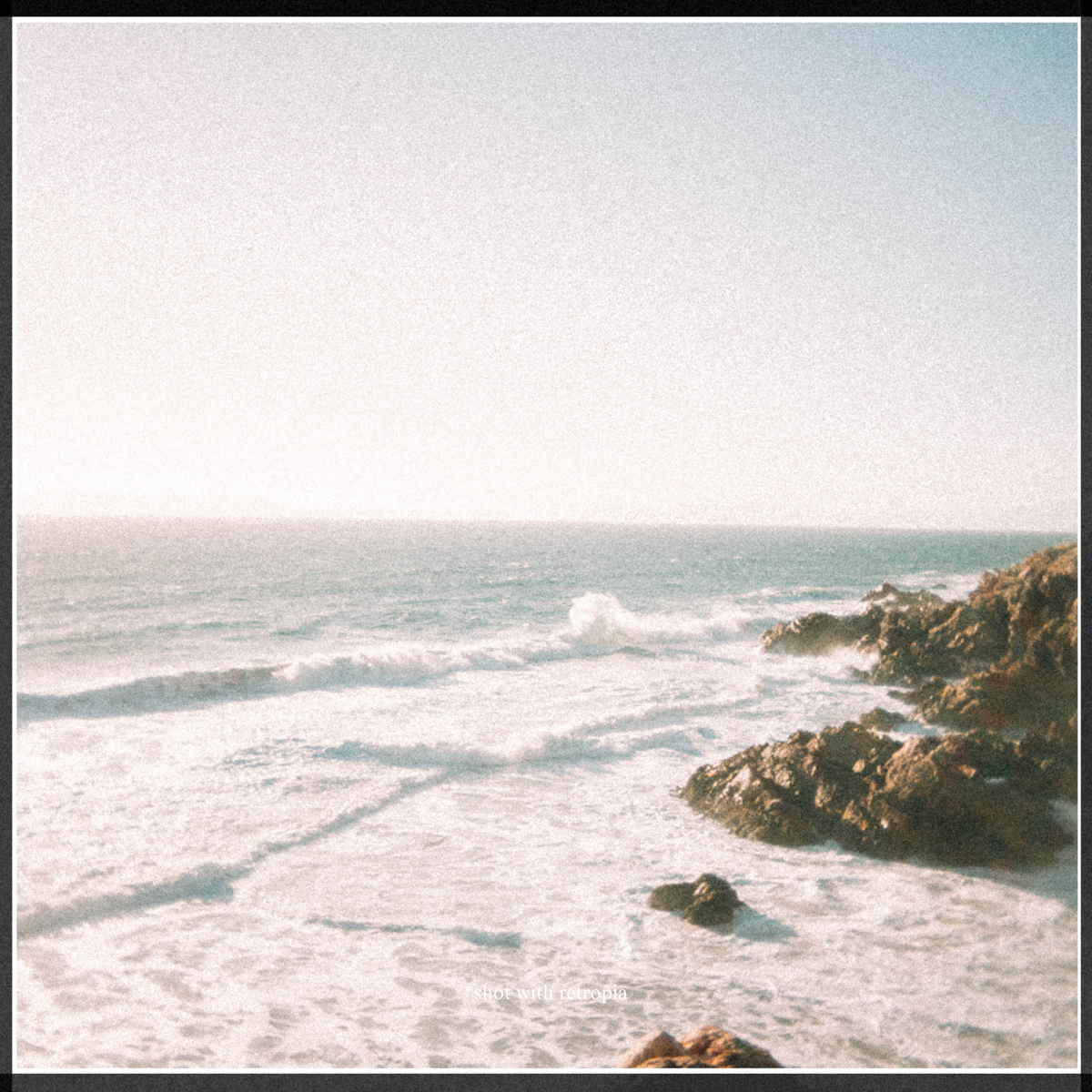
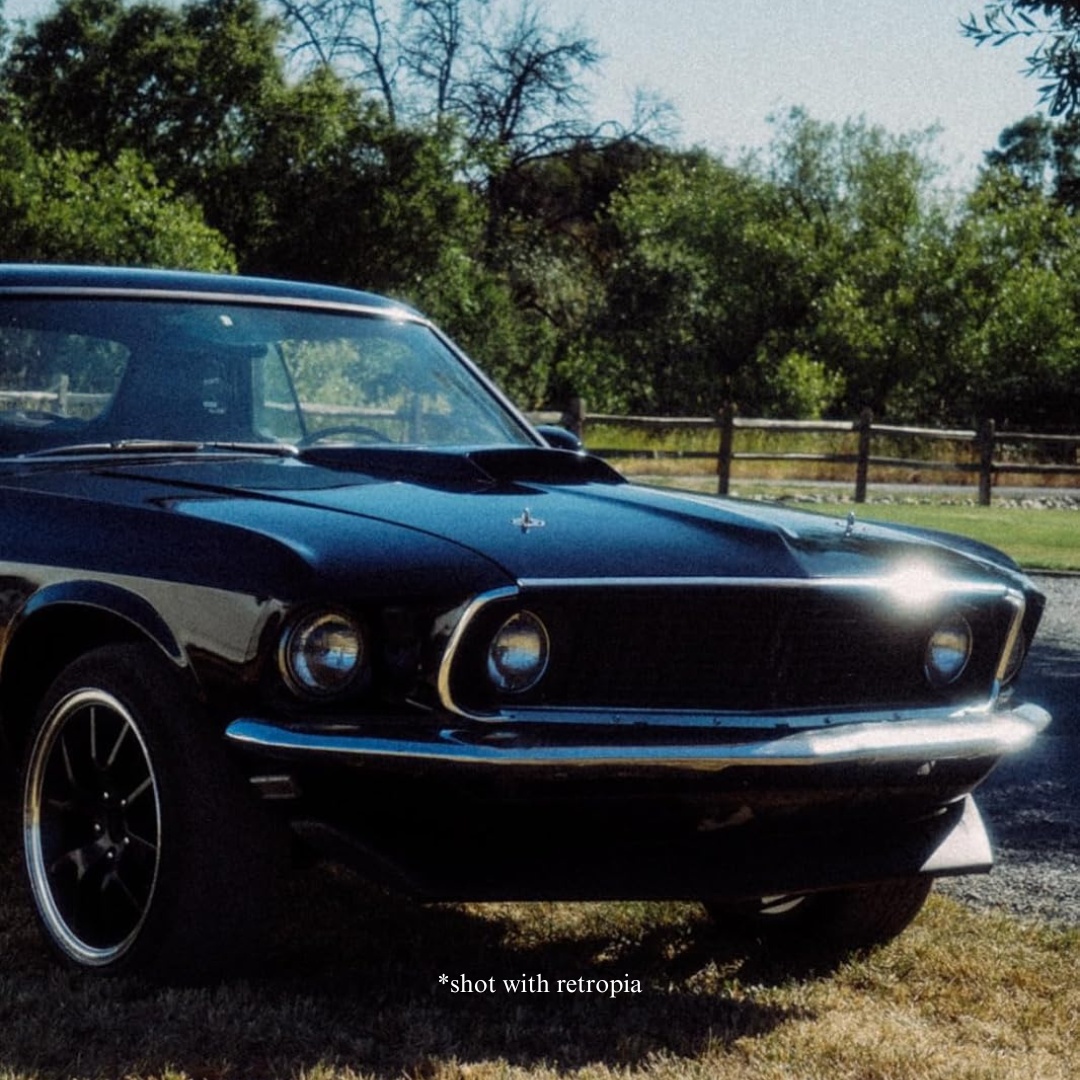
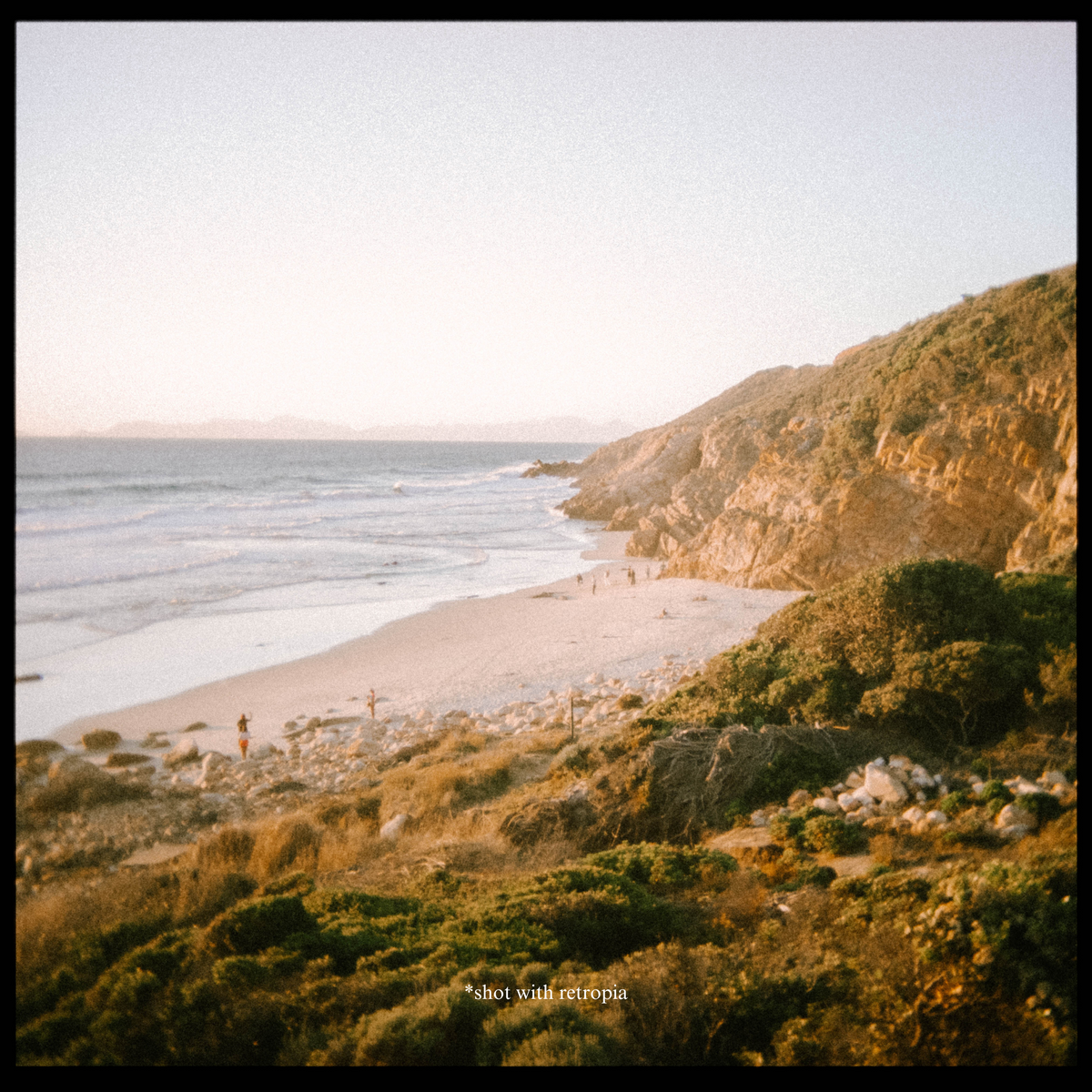
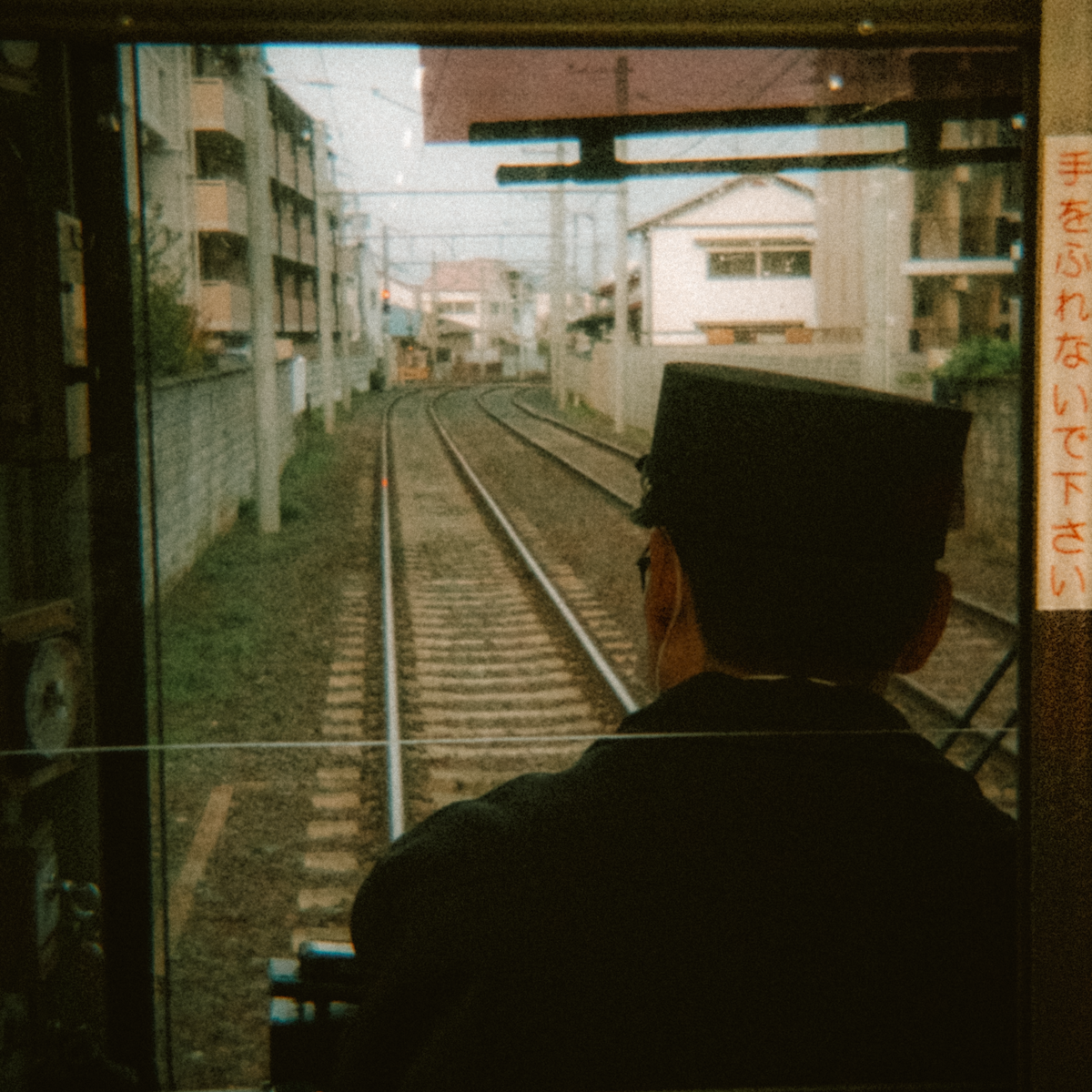
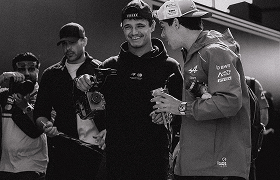
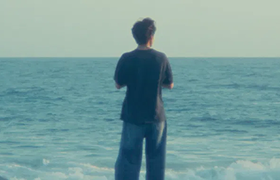
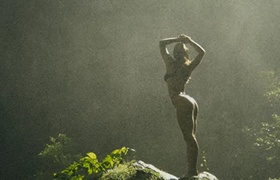
15 film emulation presets and 35 effects that give a digital photo the colour, grain and texture of real film. One click in Lightroom.
Includes 3 bonus presets built from disposable and expired film.

15 film emulation presets
35 effects
Grain, light leaks, film borders and sky emulation, plus 3 bonus presets built from disposable and expired film.
Adobe Lightroom CC (the cloud version), Camera Raw 10.3 and above, and Lightroom Classic CC 7.3 and above. Lightroom Mobile for iOS imports XMP presets through "Import Presets" from version 9.4.1 onwards.
The presets work on RAW and on JPEG, so a high quality file and a casual shot both take the look.
The kit arrives as a download link, in a single folder with a step-by-step install guide. Importing takes a couple of minutes and you only do it once.
On a phone, Lightroom Mobile for iOS imports them through "Import Presets".
The download link is sent the moment the order goes through, so there is nothing to ship and nothing to wait for.
If the link does not work for you, email support@retro-pia.com and we will send the files across directly.

Retropia® Complete Film Emulation Preset Kit (15 Presets + 35 Effects)

Vintage charm, dynamic light leaks and grainy texture, without the cost or the wait of shooting and developing film. 15 presets carry the colours and tones of classic stocks; 35 effects add everything that happened to the film after the shutter closed.


The bundle comprises
Each one carries the colour, contrast and grain of the film it is named after, and every slider stays editable once it is on.
AEROCHROME
TRI-X
ILFORD HP5
GOLD 200
PORTRA 160
PORTRA 400
PORTRA 800
ULTRAMAX 400
EKTAR 100
LOMO 100
LOMO 400
VELVIA
PROVIA
400H
CINESTILL 50D/800T
ROLLEI INFRARED

Raw file
Straight off the camera.

Provia 100F
One preset, one click.
35 effects on top of the presets: grain, light leaks, film borders, vintage lenses and sky emulation.


Effortless editing
No editing experience is needed. Import the kit once, pick a stock, and the colours, the contrast and the grain land together. Each preset carries automatic masks for highlights, midtones and shadows, so the grain sits where film grain would rather than lying flat across the frame.


One folder, one install guide. It takes a couple of minutes.
Sixteen names, from Portra to Rollei Infrared. One click applies it.
Grain, a light leak, a border or a sky, stacked on top if you want one.
A preset sets the sliders, it does not lock them. Push it or pull it back.
Precision detailing
Grain where film puts it
Automatic masks read highlights, midtones and shadows, so the texture follows the light.

Save money on film
No stock, no developing
The look of film without the ongoing cost of buying and developing it.

Pairs with the lens
Built for the Retropia look
Made to sit on top of what the Retropia lens already does, and just as happy on any digital photo.
Three ways to get the film look in post
A phone filter bakes one look into the file. A free pack gives you colour and stops there. This is 15 film emulations plus 35 effects for the grain, the leaks and the borders, all of it still editable afterwards.
15 presets named after the stocks they emulate
35 effects: grain, light leaks, borders, skies
Automatic masks for highlights, midtones, shadows
Works on RAW as well as JPEG
Every slider stays editable after you apply it
Made to pair with the Retropia lens
Complete Kit
Free presets
In-app filters
Complete Kit
15 presets named after the stocks they emulate
35 effects: grain, light leaks, borders, skies
Automatic masks for highlights, midtones, shadows
Works on RAW as well as JPEG
Every slider stays editable after you apply it
Made to pair with the Retropia lens
Free presets
15 presets named after the stocks they emulate
35 effects: grain, light leaks, borders, skies
Automatic masks for highlights, midtones, shadows
Works on RAW as well as JPEG
Every slider stays editable after you apply it
Made to pair with the Retropia lens
In-app filters
15 presets named after the stocks they emulate
35 effects: grain, light leaks, borders, skies
Automatic masks for highlights, midtones, shadows
Works on RAW as well as JPEG
Every slider stays editable after you apply it
Made to pair with the Retropia lens


The kit was built to finish what the Retropia® lens starts: the two together give a cohesive disposable-camera look, colour and grain meeting the optics that produced the flare. On any other digital photo it works just as well on its own.

Why choose Retropia
The kit does the work a roll of film, a lab and an afternoon of editing would otherwise do, and it does it on every photo you already have.
Exclusively available at Retropia, and delivered the moment the order goes through.

Digital photos become timeless film images in an instant, without the wait or the expense of developing.
The look of film without the ongoing cost of buying it and having it developed.
One click. No complicated setups and no technical know-how required.
Designed to complement what the lens does, for a cohesive disposable-camera aesthetic.
Automatic masks for highlights, midtones and shadows keep the grain accurate and tailored.

Apply them in Lightroom and a digital image takes on film-inspired colour, grain and effects. No editing experience is required: one click gives you the result.
No. They are designed to work beautifully with the lens, and the two together give a cohesive vintage film look, but they can be used on any digital photo on their own.
Yes. Whether you shoot RAW for quality or want to lift a casual JPEG, the presets apply either way.
Adobe Lightroom CC (the cloud version), Camera Raw 10.3 and above, and Lightroom Classic CC 7.3 and above. Lightroom Mobile for iOS imports XMP presets through "Import Presets" from version 9.4.1 onwards.
#thisisretropia