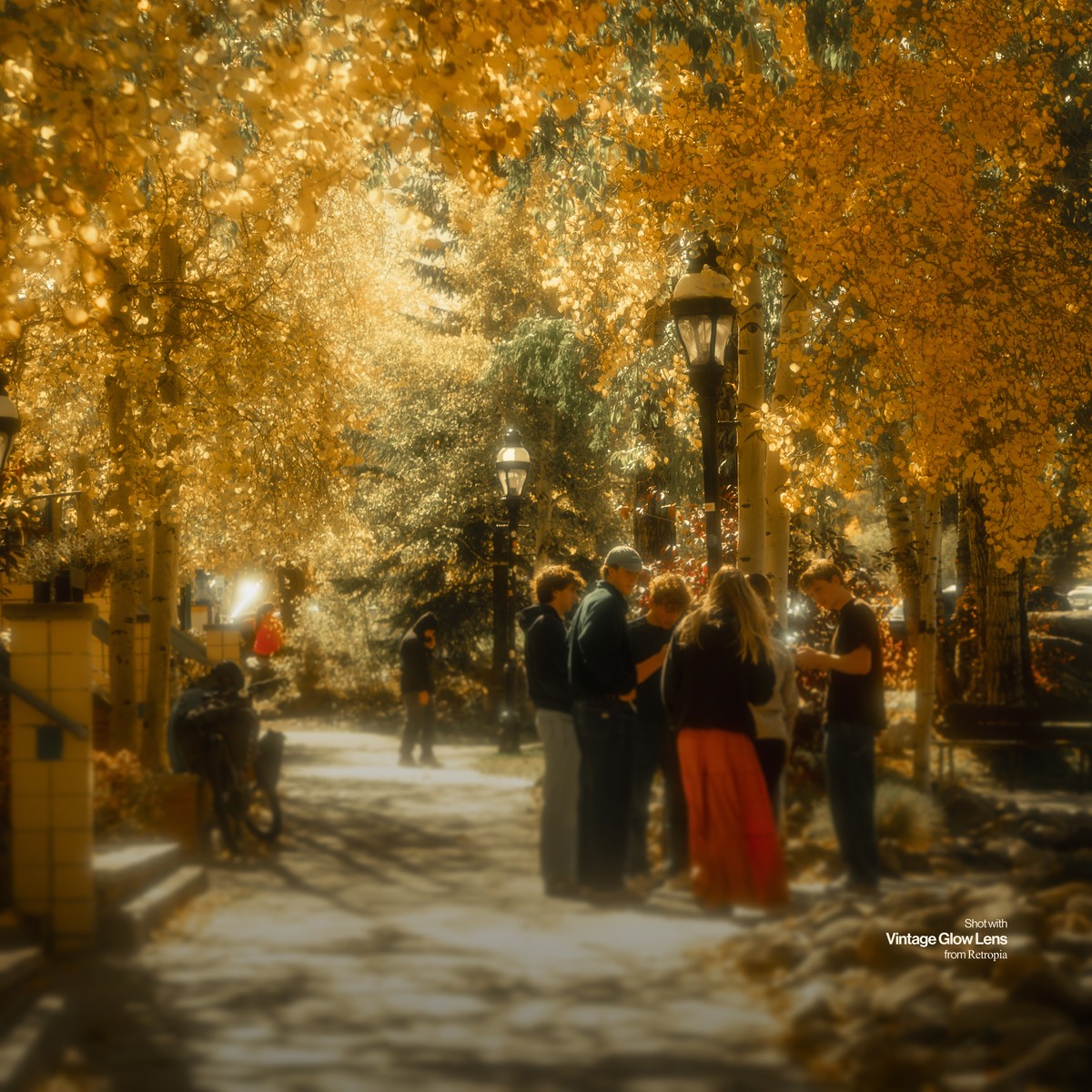
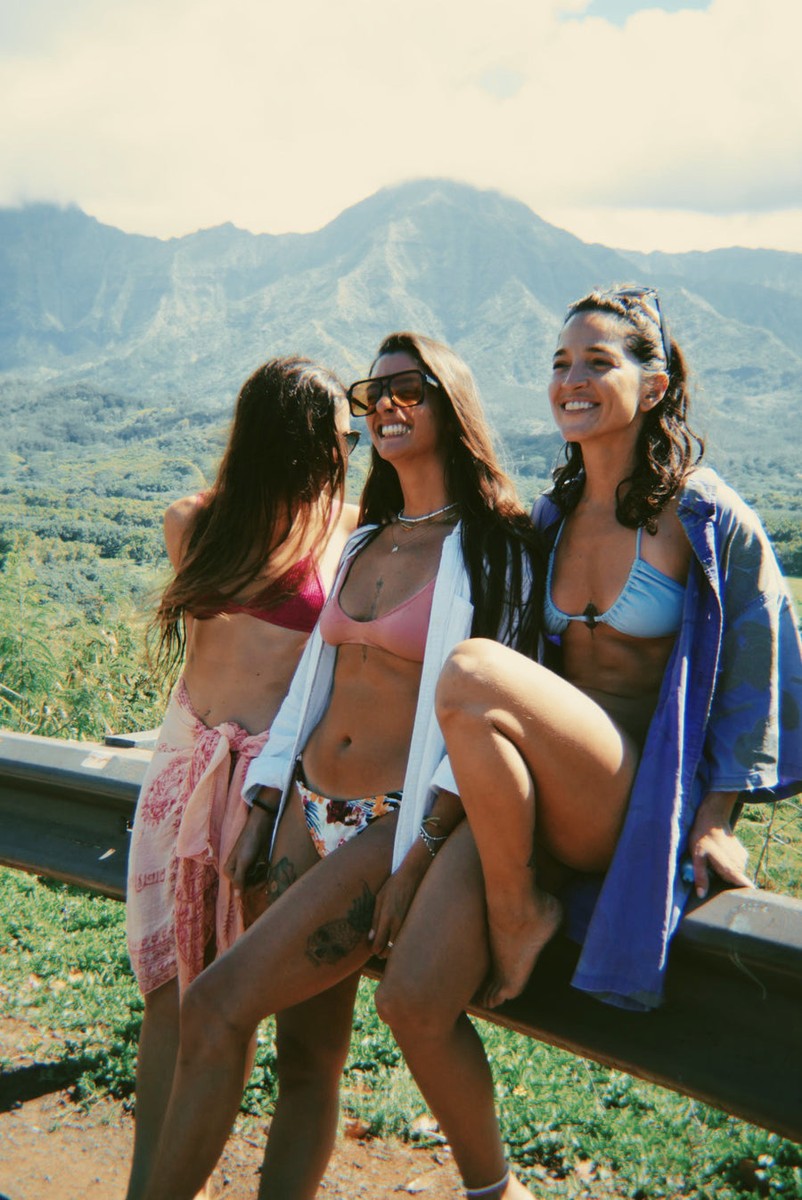
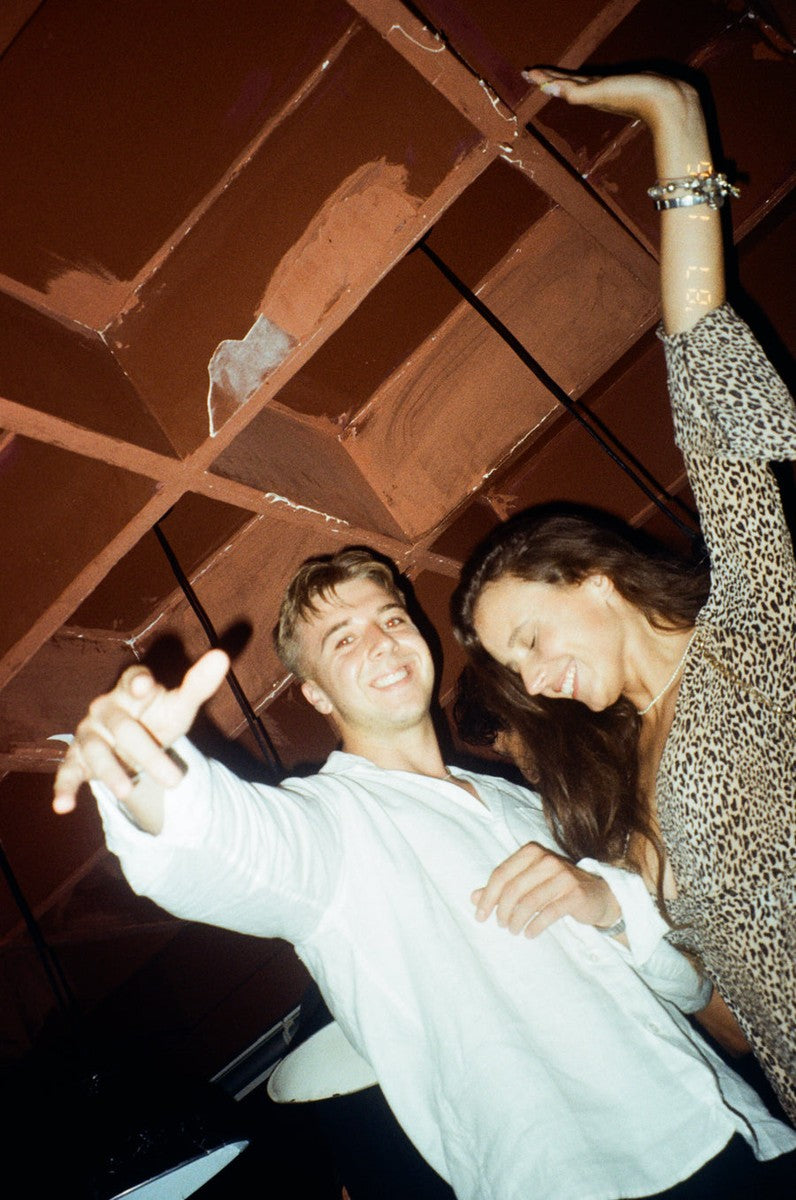
Warm portraits
Skin that stays natural
The portrait stocks lean warm rather than clinical, the way film did.
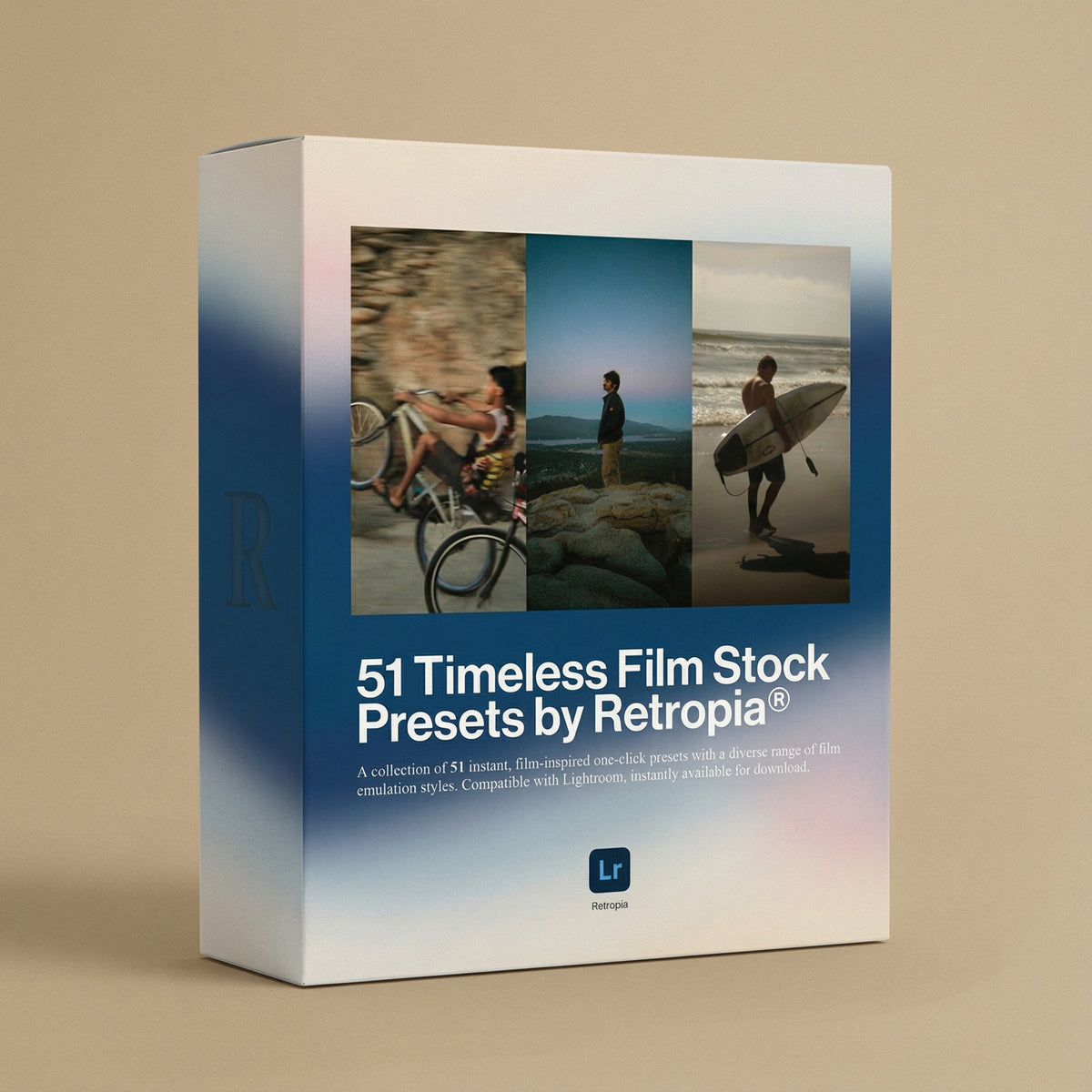




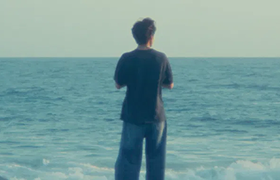
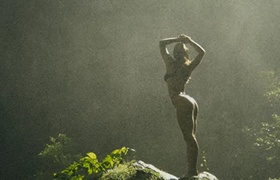
51 one-click presets built from the colour and grain of classic film stocks - for Lightroom on your computer and on your phone.
Inside the folder: a step-by-step PDF for desktop and mobile, plus a short video walkthrough.

In the pack
How it arrives
As a single .zip file, from a download link sent to the email address on your order.
On a computer
Unzip the folder, then follow the included PDF to import the presets into Lightroom. It takes a couple of minutes and you only do it once.
On your phone
The same PDF covers Lightroom Mobile step by step, and the folder holds a short video walkthrough if you would rather watch than read.
The presets work in Lightroom Classic, Lightroom CC and Lightroom Mobile - on desktop and on mobile.
Applying one leaves every slider editable, so a look can be pushed further or pulled back on any individual photo.
The download link is sent the moment the order goes through, so there is nothing to ship and nothing to wait for.
If the link does not work for you, email support@retro-pia.com and we will send the files across directly.
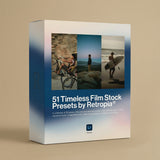
51 Retropia® Timeless Film Stock Lightroom Presets

Each preset is built from the colour, grain and warmth of a classic film stock - not a colour filter dropped on top, but a film emulation that gives a digital file the depth and character of something shot on celluloid.


From checkout to your first edit
The pack arrives as a single .zip. Inside are the 51 presets, a step-by-step install guide for desktop and for mobile, and a short video walkthrough if you would rather watch than read.


A download link is emailed the moment the order goes through.
Unzip it and everything is there: the presets, the guide and the video.
Follow the PDF for Lightroom on desktop or on your phone. A couple of minutes, and only ever once.
Tap a preset and the look is on. Every slider stays editable if you want to push it further.
Warm portraits
Skin that stays natural
The portrait stocks lean warm rather than clinical, the way film did.

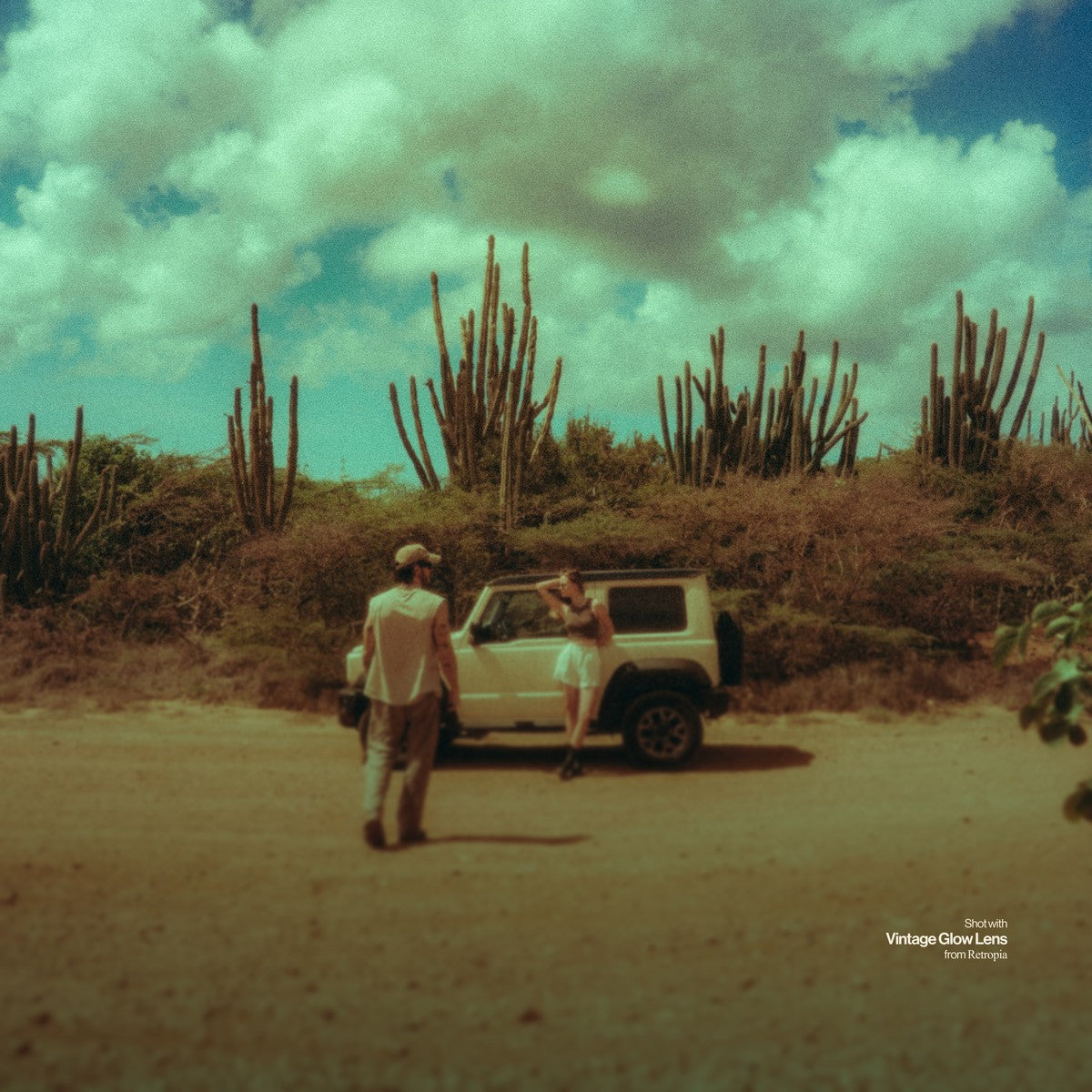
Moody fades
Cinematic shadows
Lifted blacks and muted contrast for the frames that want atmosphere.

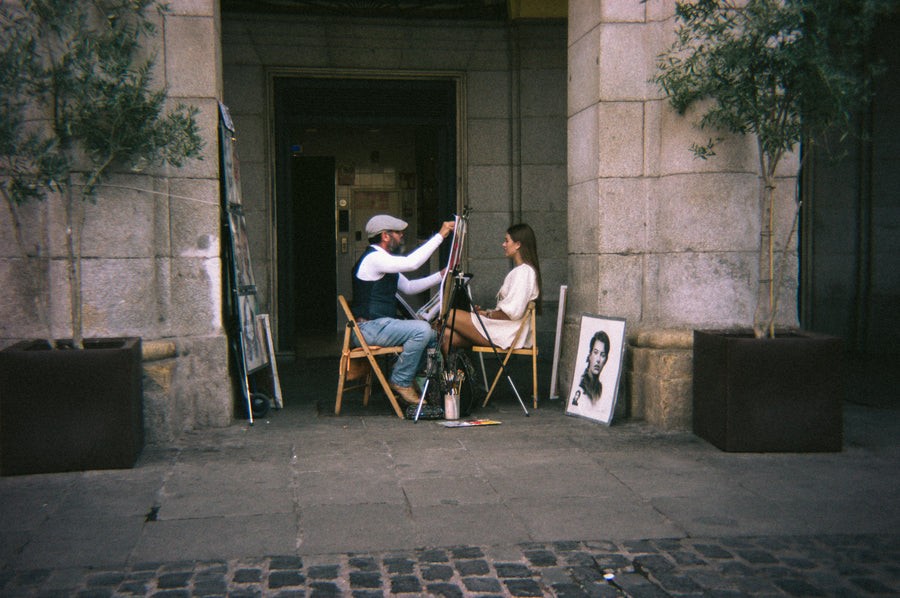
Real grain
Texture, not noise
Grain built into the emulation, so it sits in the image instead of on top of it.
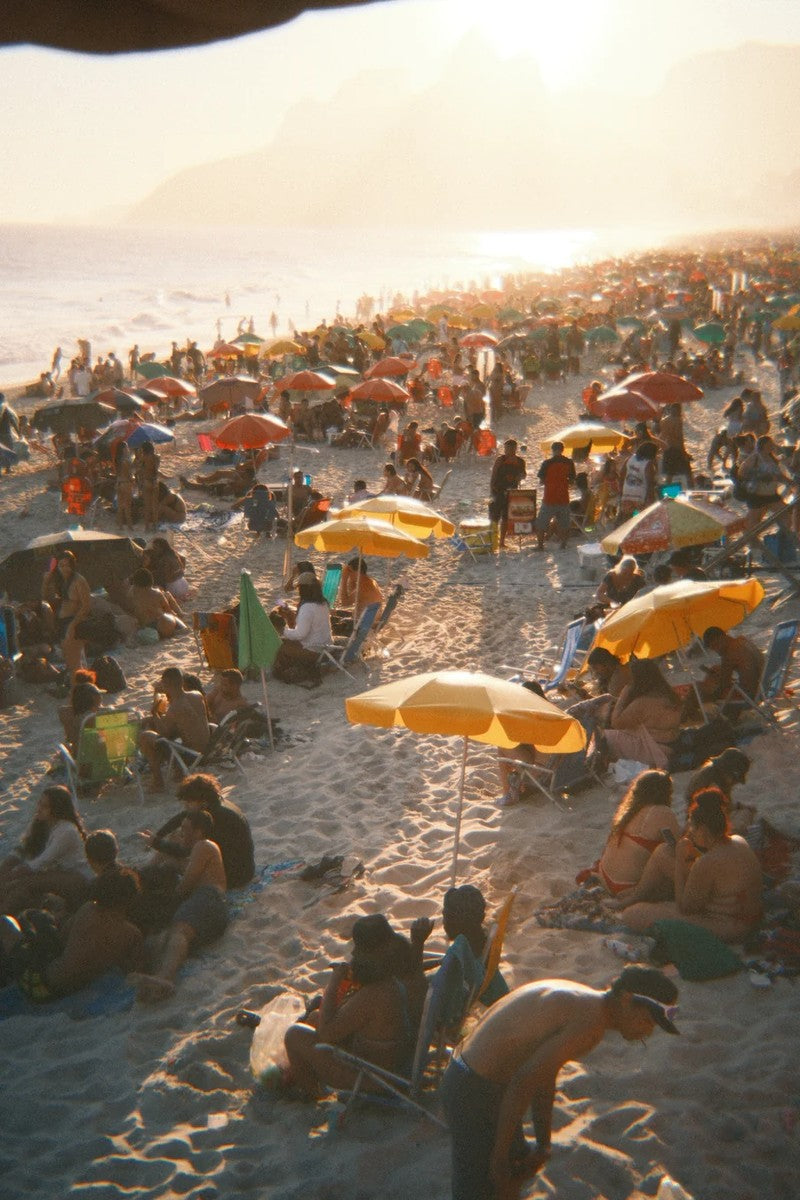
Edited with the pack
Every frame below is one preset, applied once and left alone.
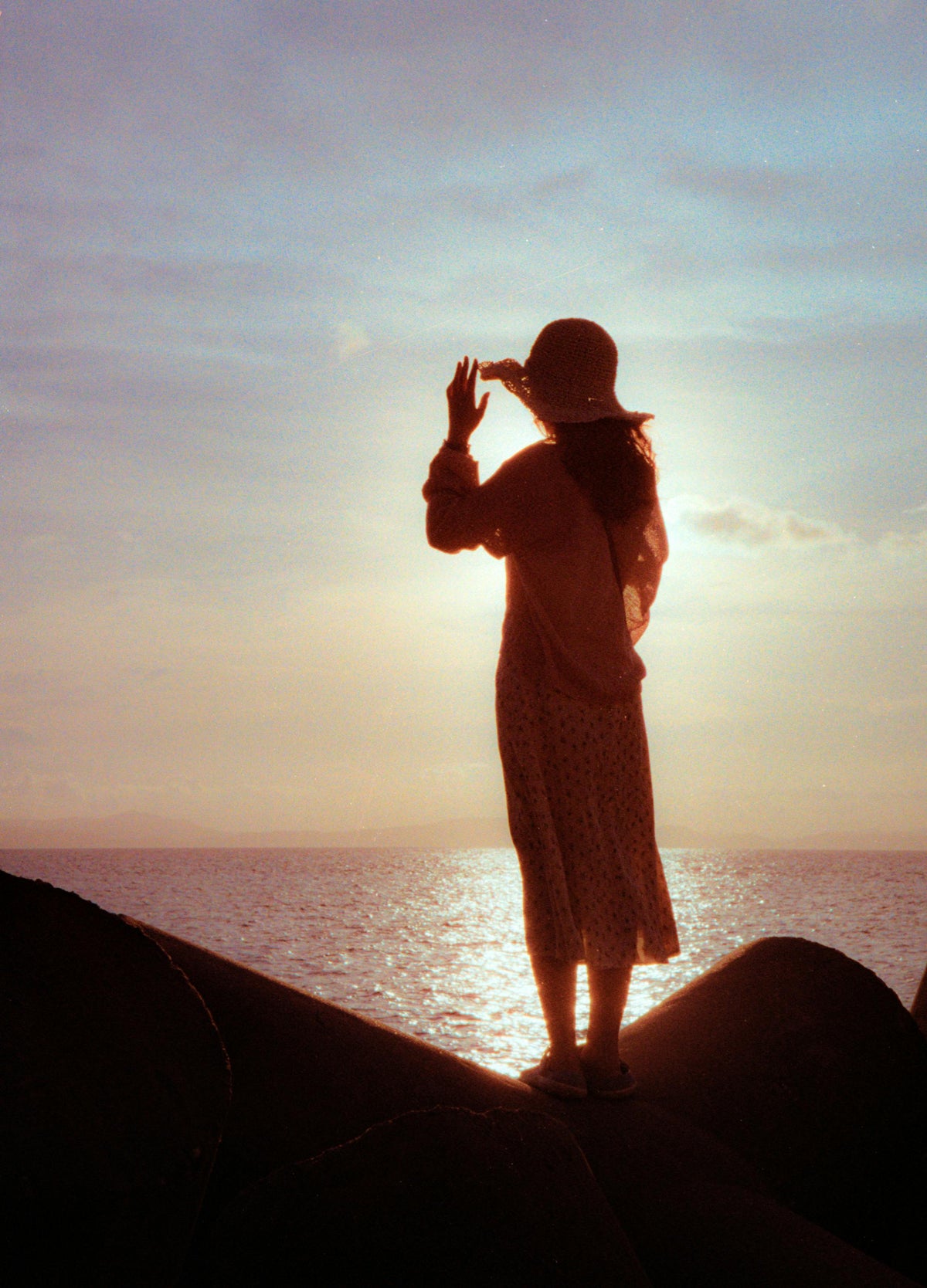
 Late Afternoon on the DeckWarm highlights, grain that stays quiet.
 Sun Straight Down the LensBacklight without the washed-out white.
 The Last of the LightShadows lifted, colour left alone.
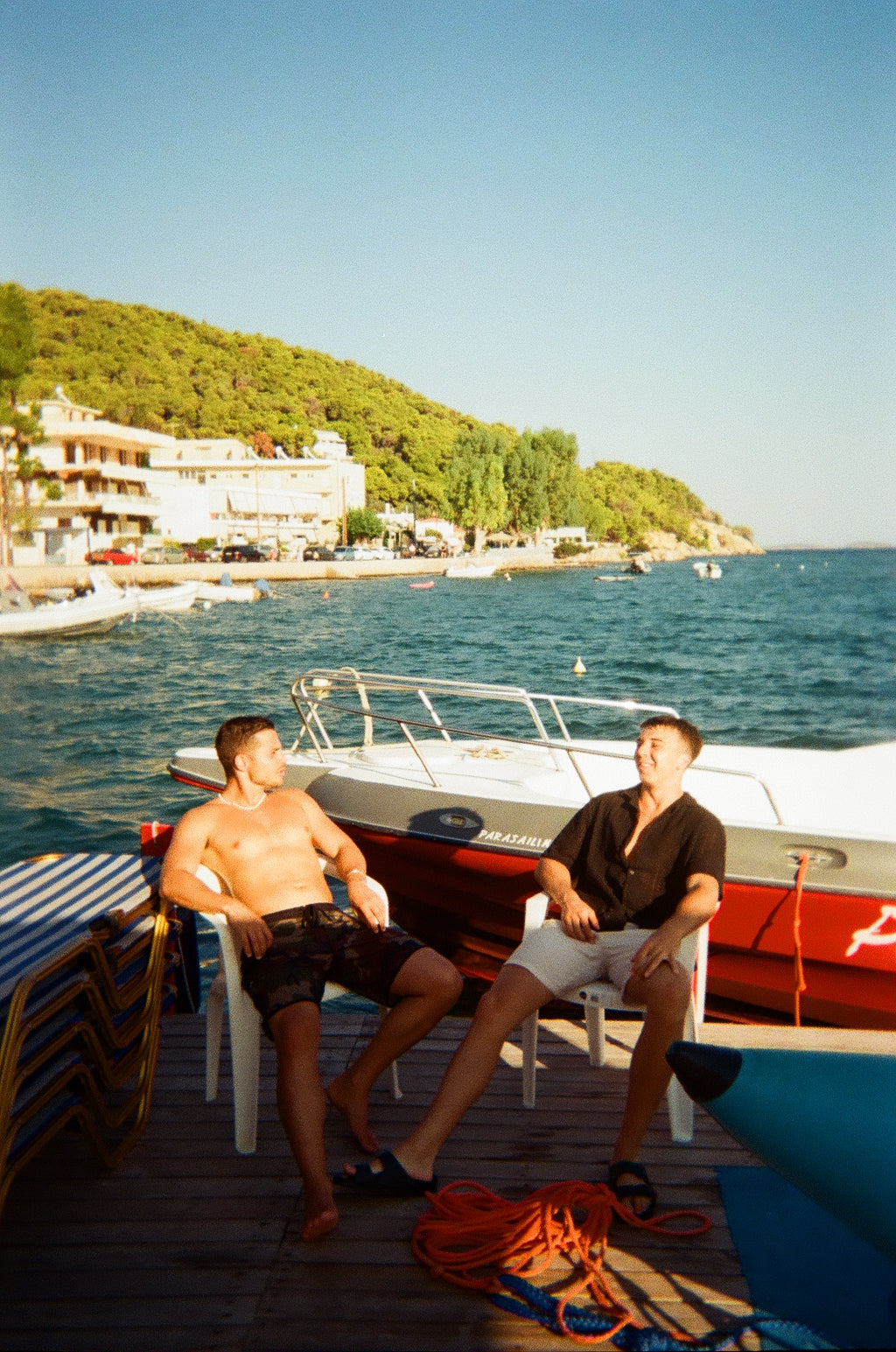
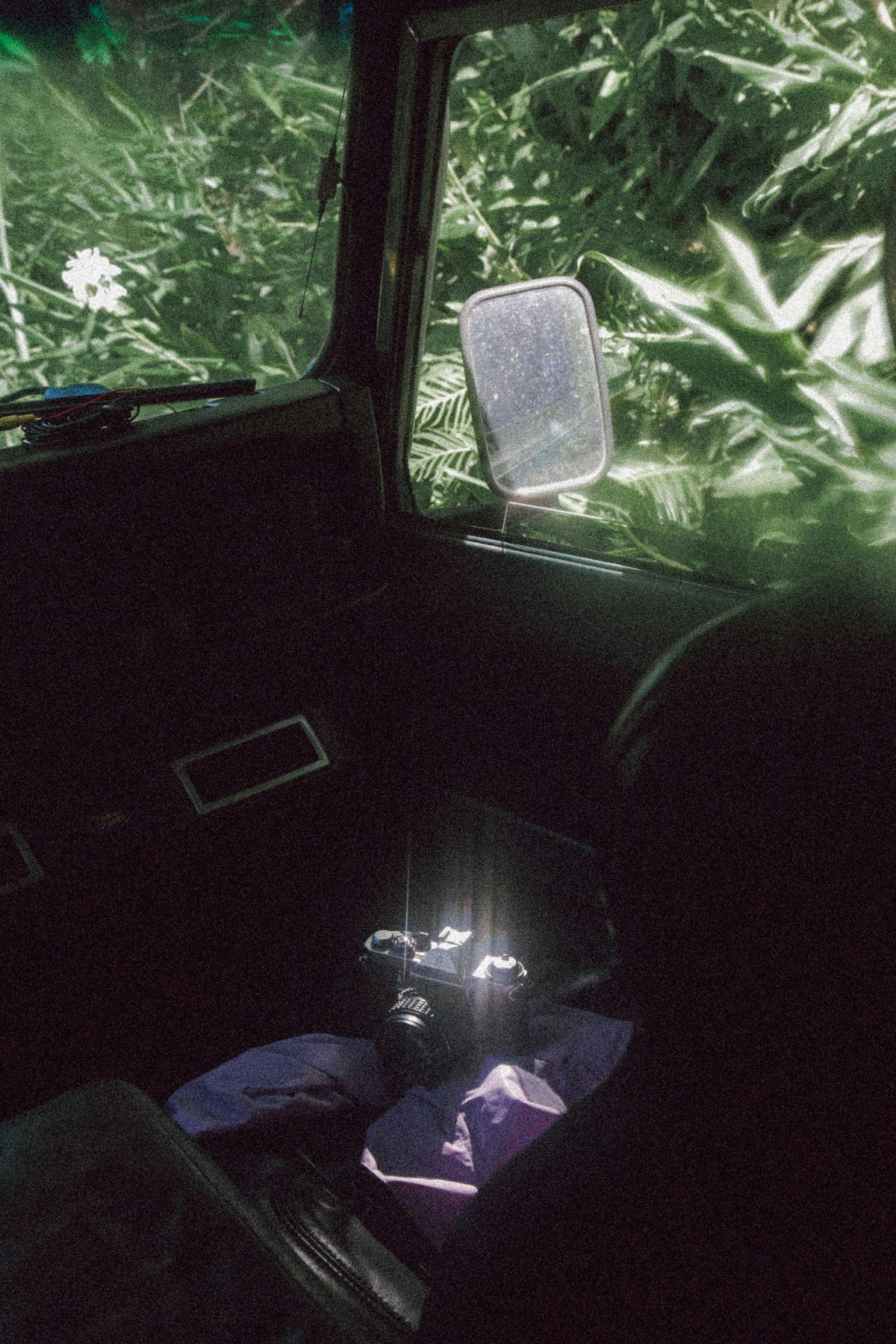
 Two Chairs, One AfternoonThe greens and the reds hold together.
 Flat Water, Middle of the DayMidday sun handled like a summer negative.
 Parked, Engine OffA dark frame that keeps its detail.
 The Long Way RoundBlue sky without the postcard look.
Three ways to get the film look in post
A filter inside a phone app bakes its look into the file. A free pack tends to be one idea repeated a dozen times. This is 51 separate film emulations, applied in one click and still fully editable afterwards.
Built from real film stocks, not colour curves
51 different looks in one pack
Grain built into the emulation, not laid on top
Works in Lightroom on desktop and on mobile
Every slider stays editable after you apply it
Install guide and video walkthrough included

Timeless Film Stock
Free presets
In-app filters
Timeless Film Stock
Built from real film stocks, not colour curves
51 different looks in one pack
Grain built into the emulation, not laid on top
Works in Lightroom on desktop and on mobile
Every slider stays editable after you apply it
Install guide and video walkthrough included
Free presets
Built from real film stocks, not colour curves
51 different looks in one pack
Grain built into the emulation, not laid on top
Works in Lightroom on desktop and on mobile
Every slider stays editable after you apply it
Install guide and video walkthrough included
In-app filters
Built from real film stocks, not colour curves
51 different looks in one pack
Grain built into the emulation, not laid on top
Works in Lightroom on desktop and on mobile
Every slider stays editable after you apply it
Install guide and video walkthrough included
What people say after a few edits


Import the pack once, then take it to a set of photos you have looked at a hundred times. That is where a film emulation shows what it is worth. If anything about the download or the install does not go smoothly, write to us and a person will get it working with you.

Every order
Nothing ships and nothing is on back order. The link is sent the moment the order goes through, and everything needed to get the presets running is in the folder with them.
If a download link gives you trouble, we send the files across directly rather than pointing you at a help page.

The link is in your inbox the moment the order goes through.
A step-by-step PDF for desktop and mobile, plus a short video walkthrough.
Download not working? Email support@retro-pia.com and we will send the files directly.
Yes. The presets work in Lightroom Classic, Lightroom CC and Lightroom Mobile, so a computer or a phone will both do.
A download link is emailed the moment the order goes through. Inside the .zip are the 51 presets, a step-by-step install guide and a short video walkthrough.
Yes. A preset sets the sliders rather than locking them, so any look can be pushed further or pulled back on an individual photo.
Email support@retro-pia.com and we will send the files to you directly.
#thisisretropia