Analog colour science
Built from the stock itself
Each LUT carries the colour science, grain structure and tonal character of the film it is named after.
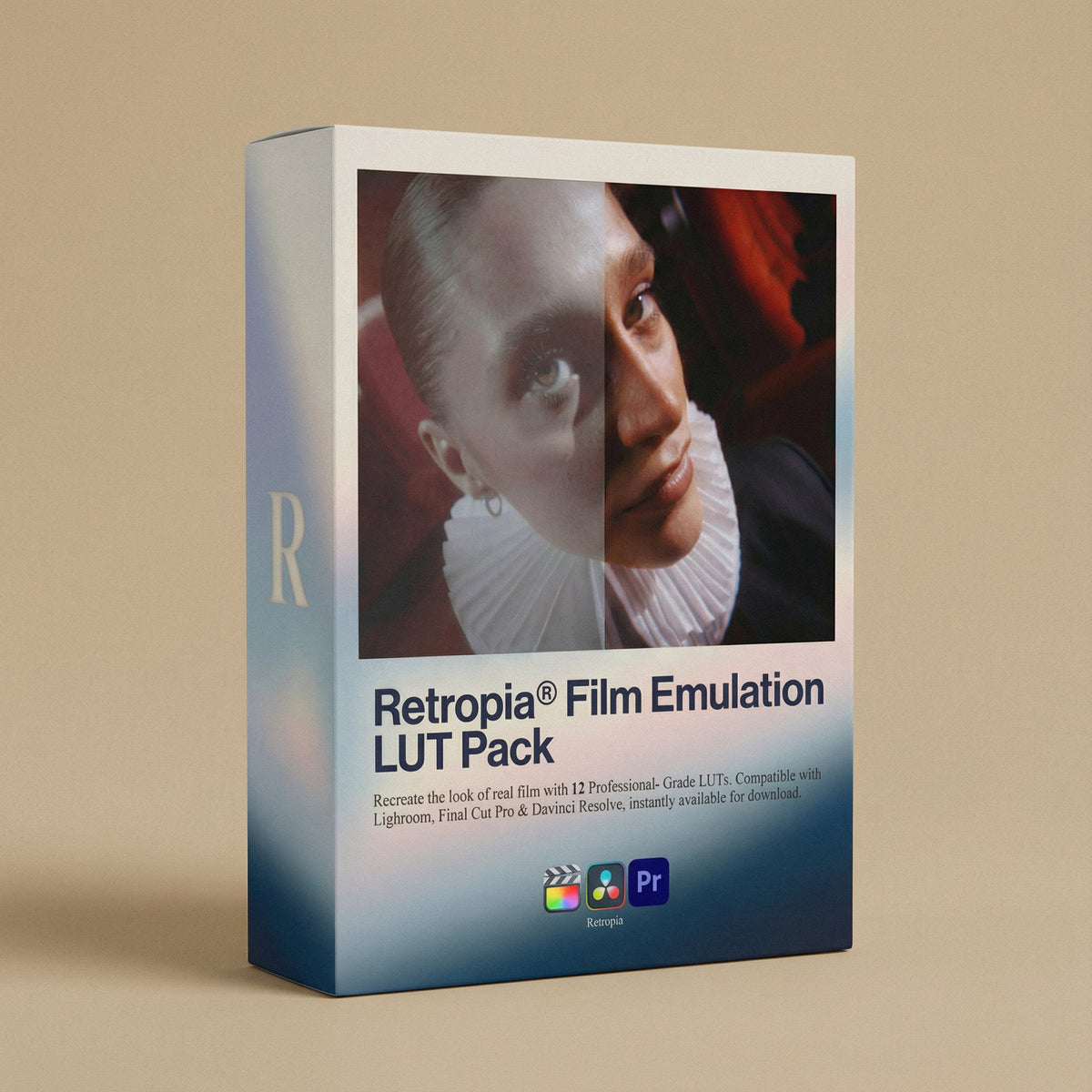
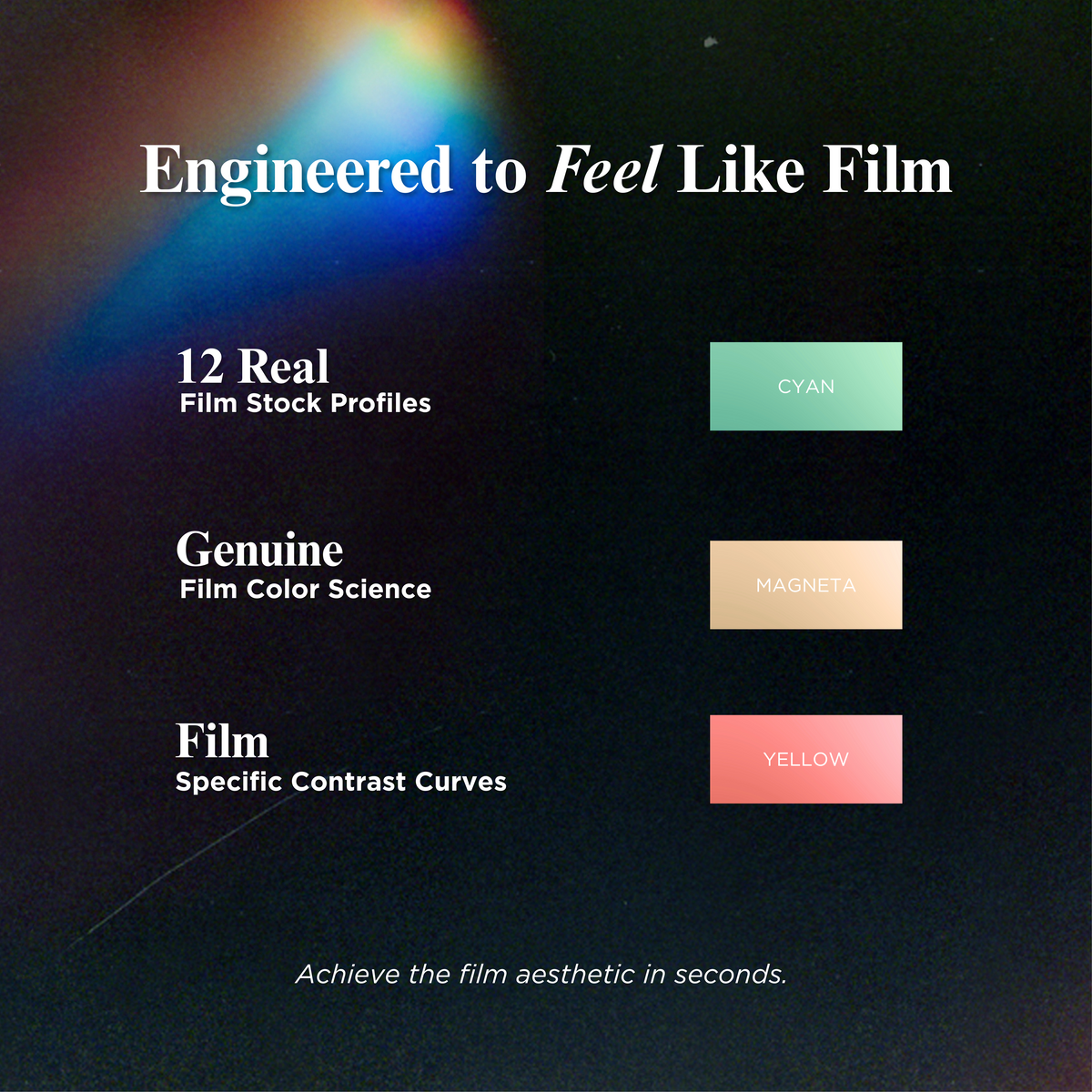

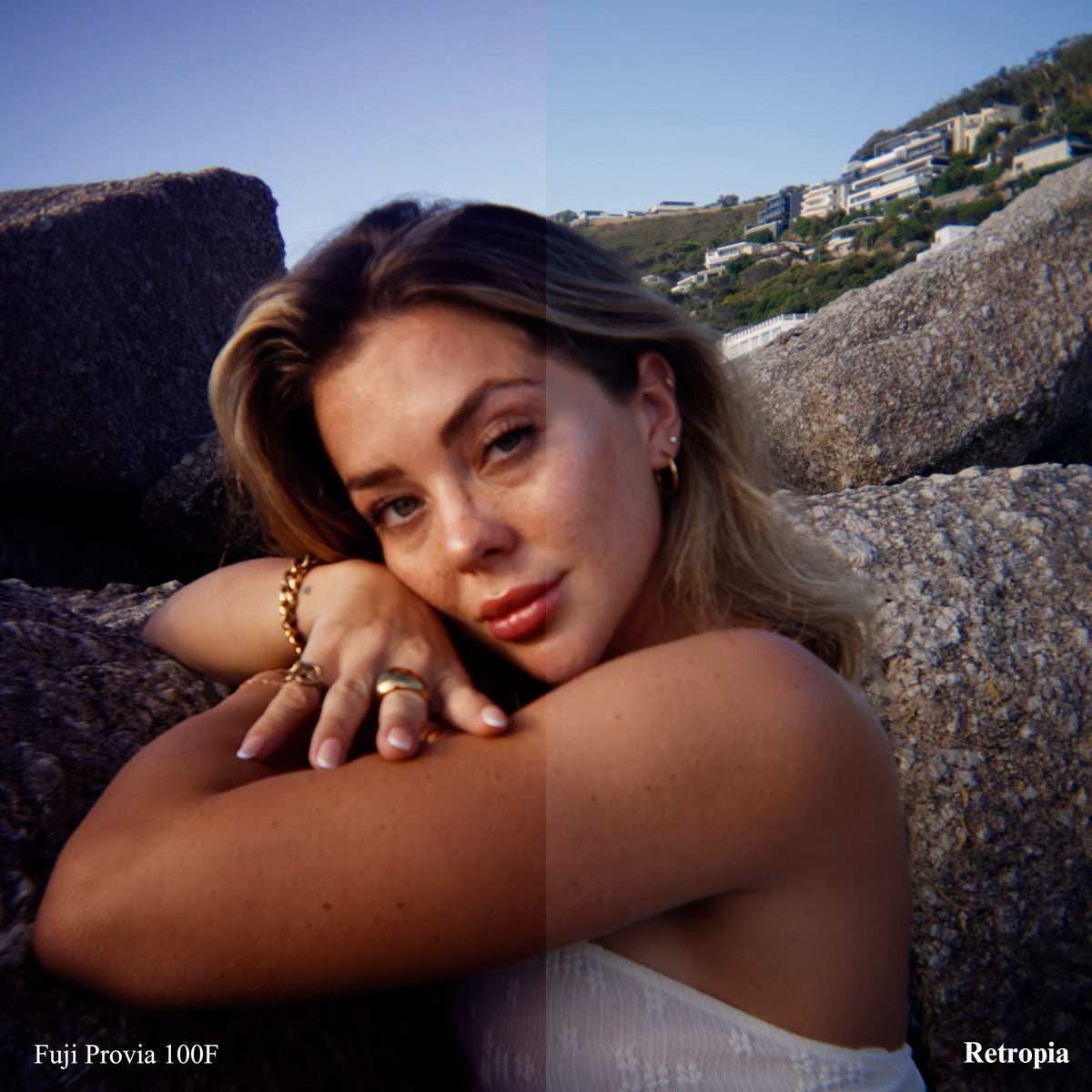

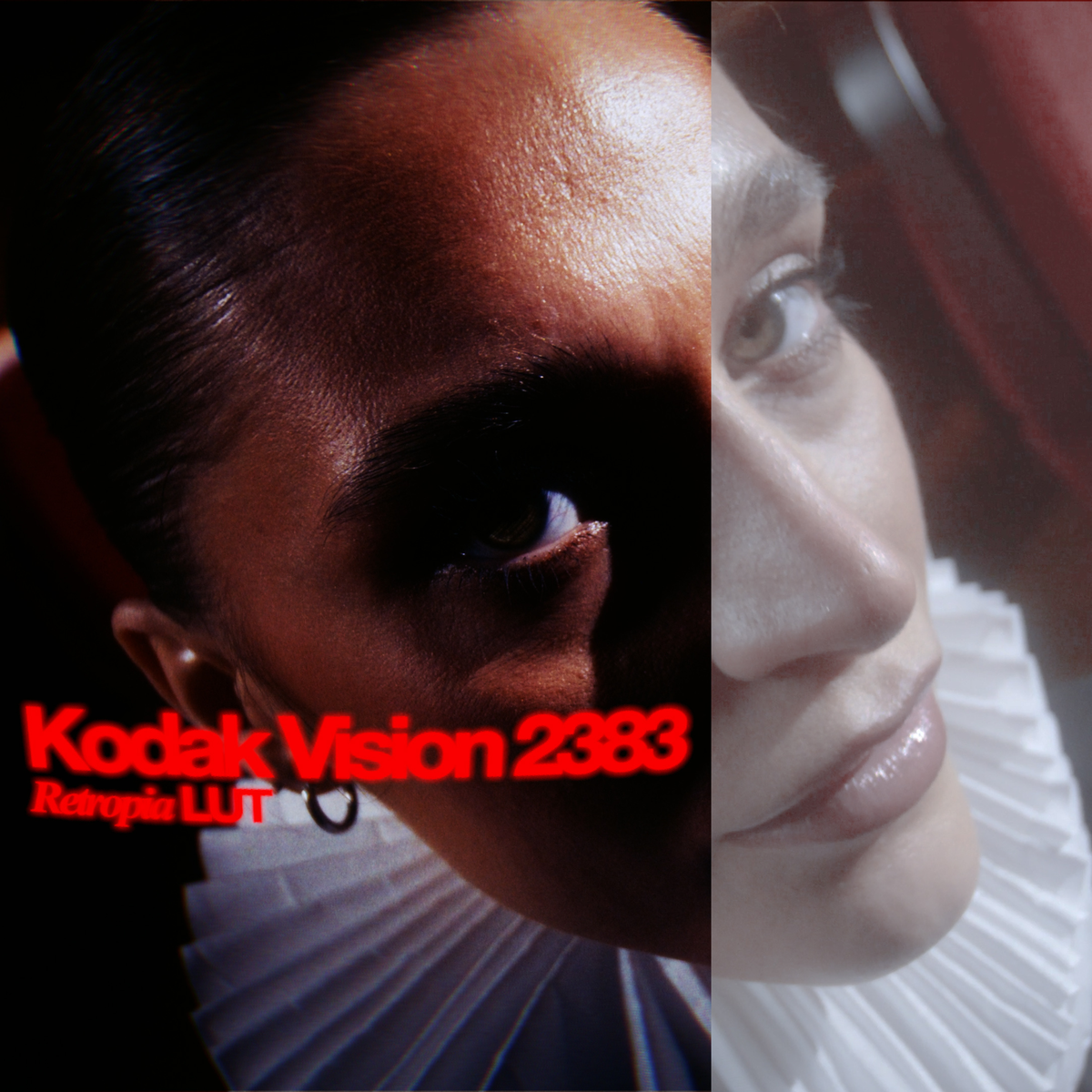
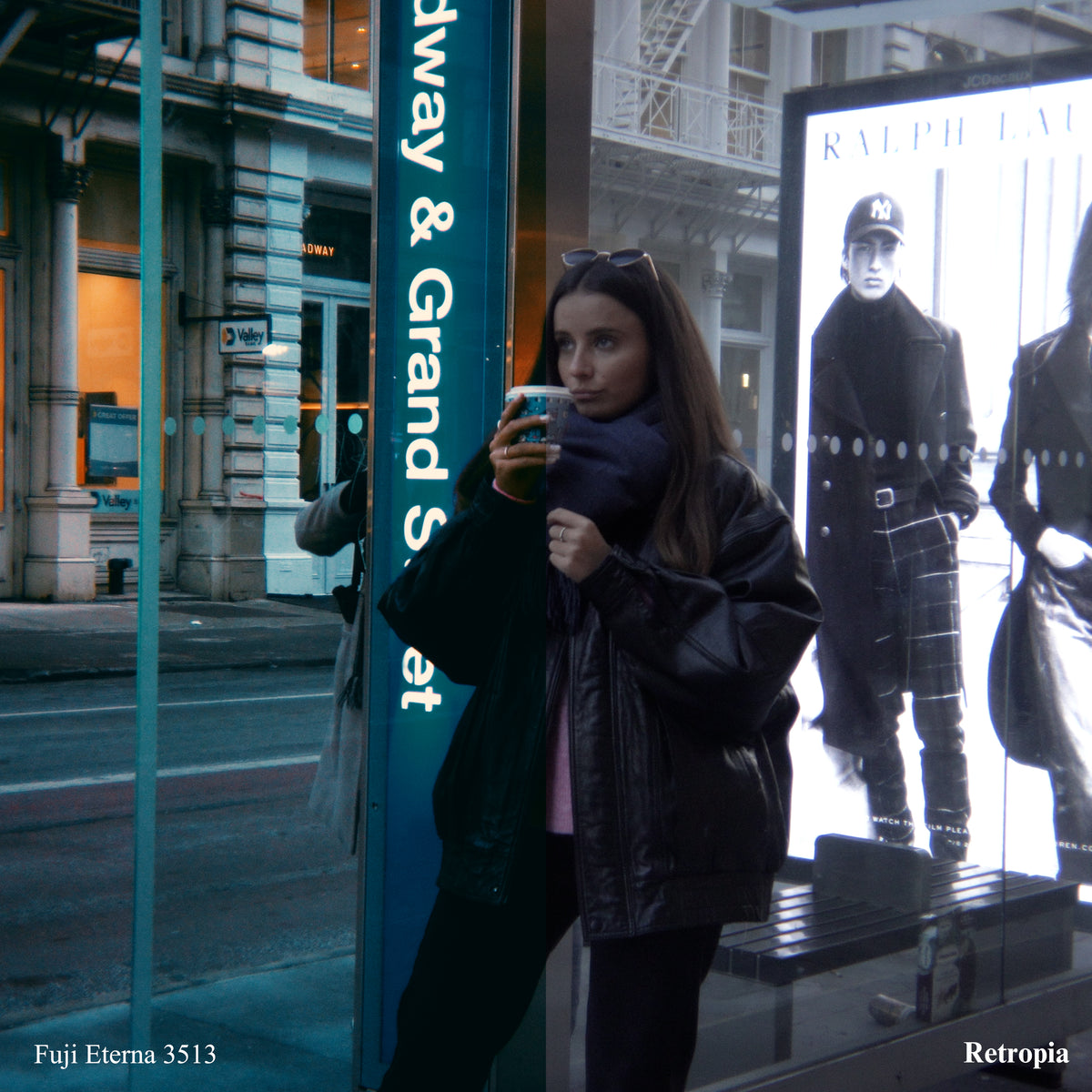
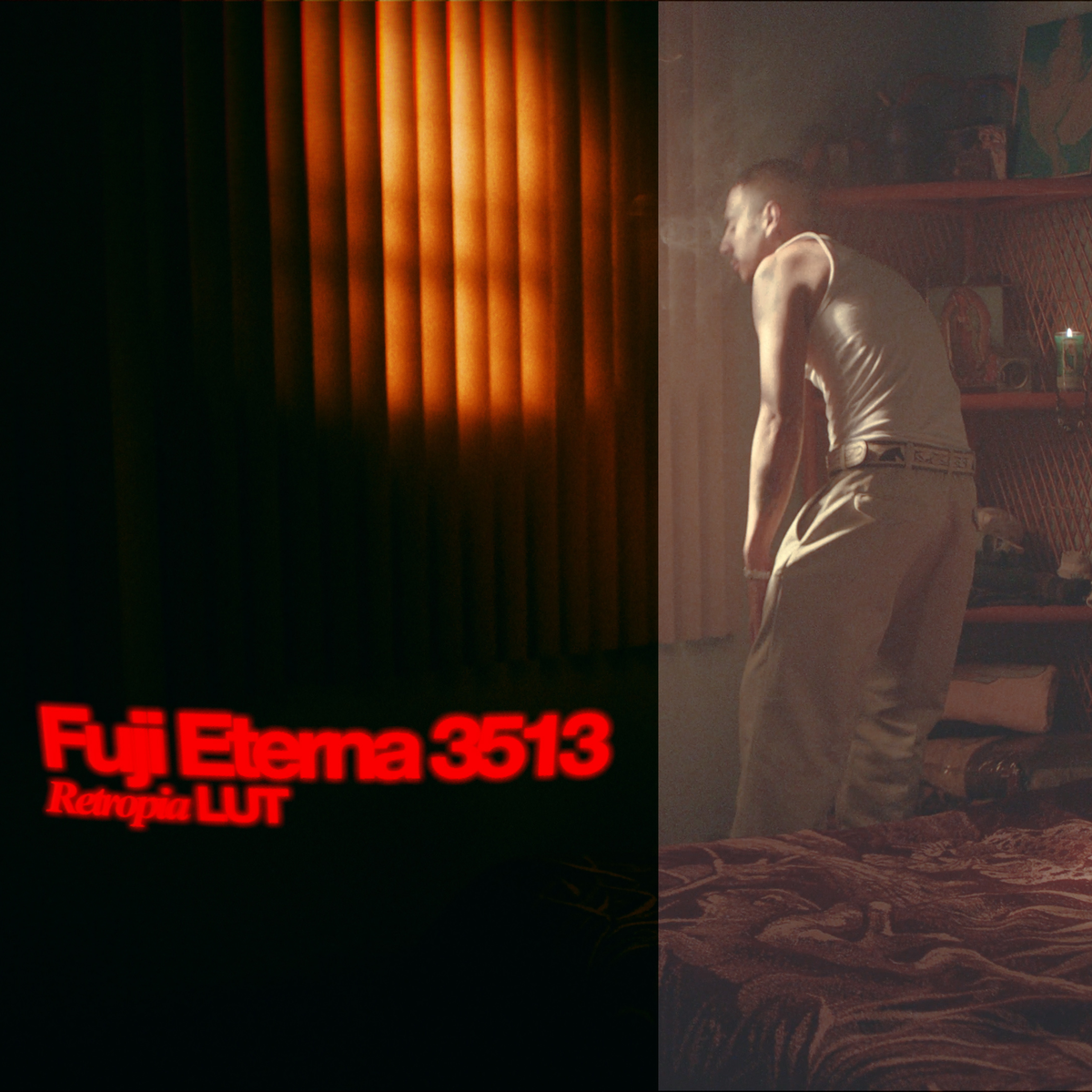
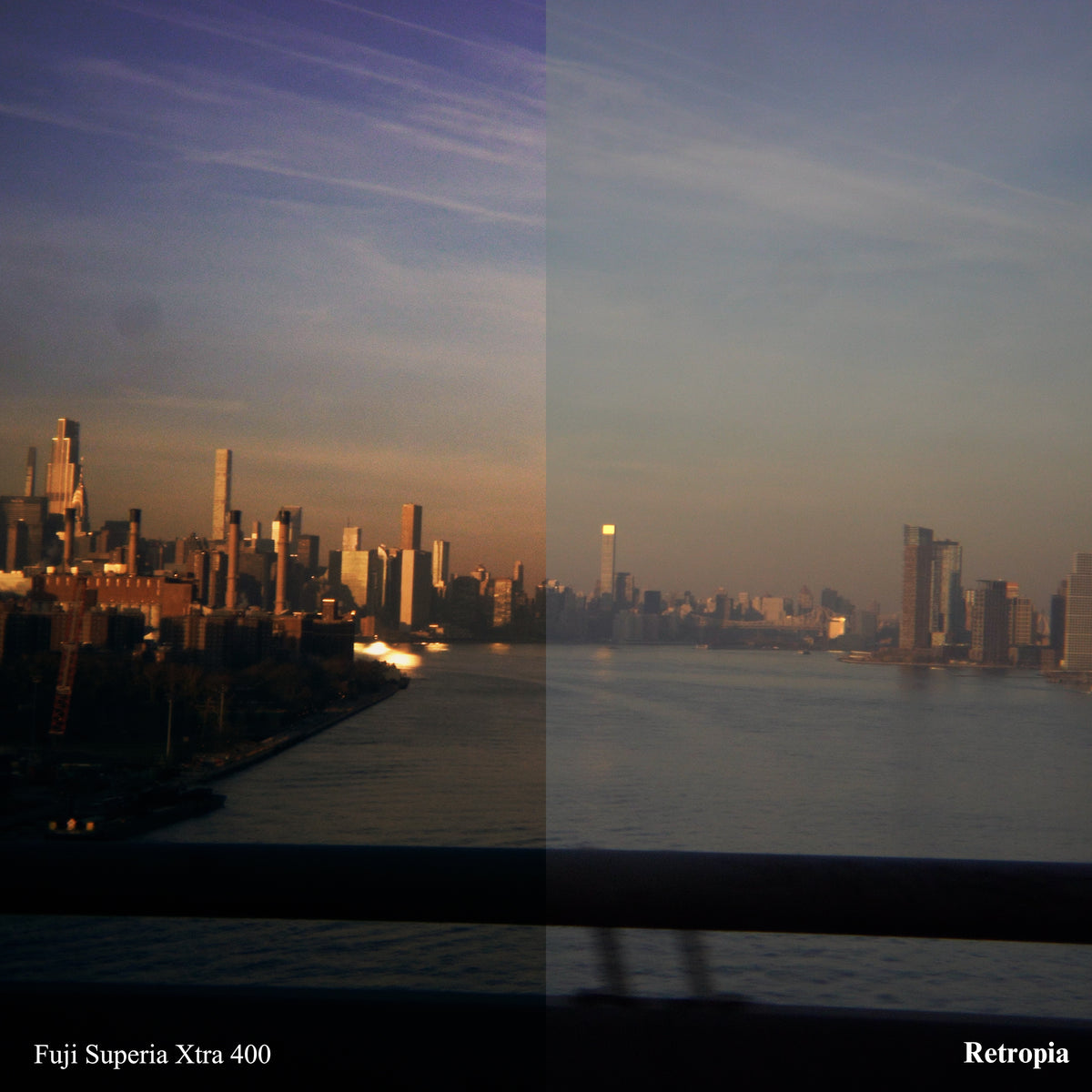

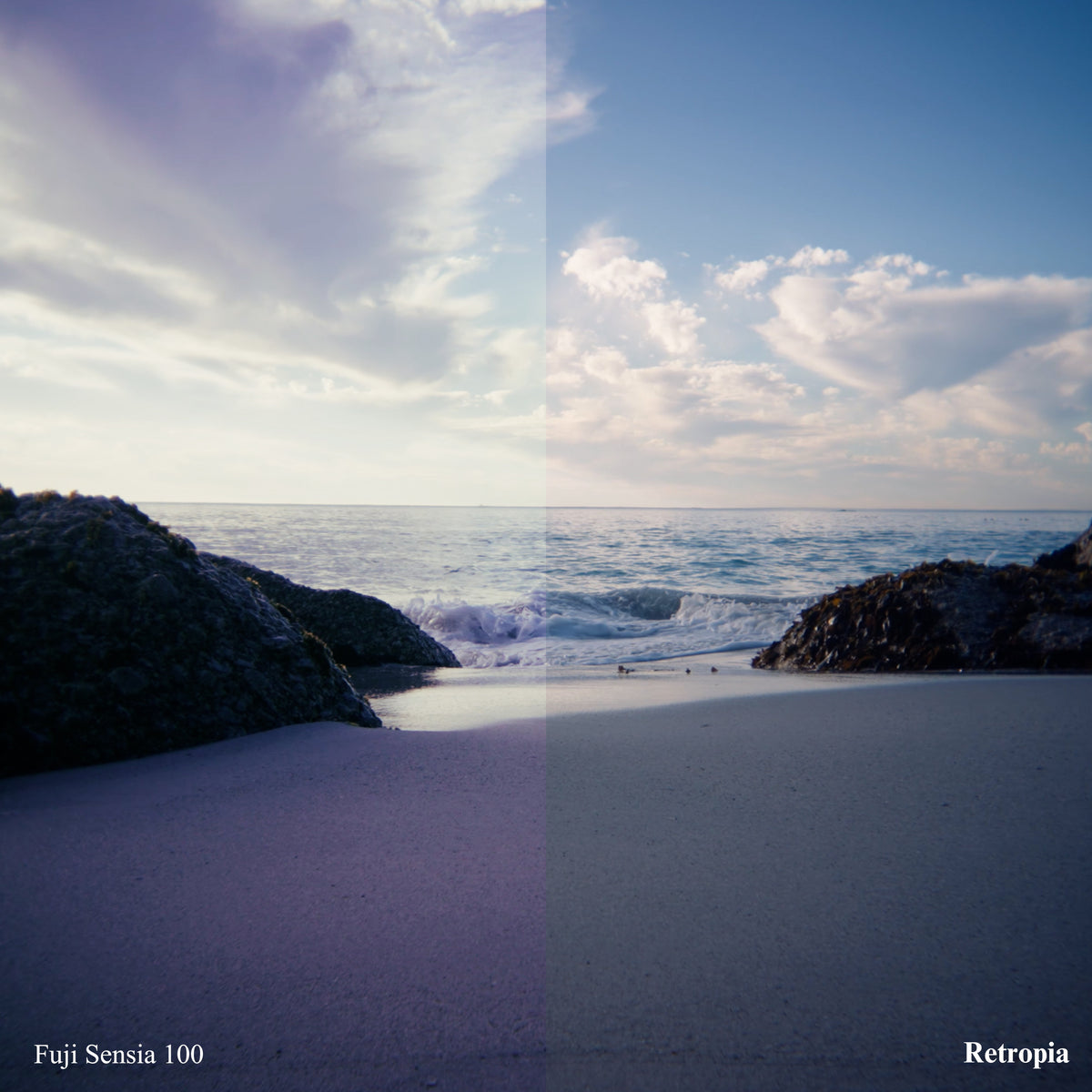
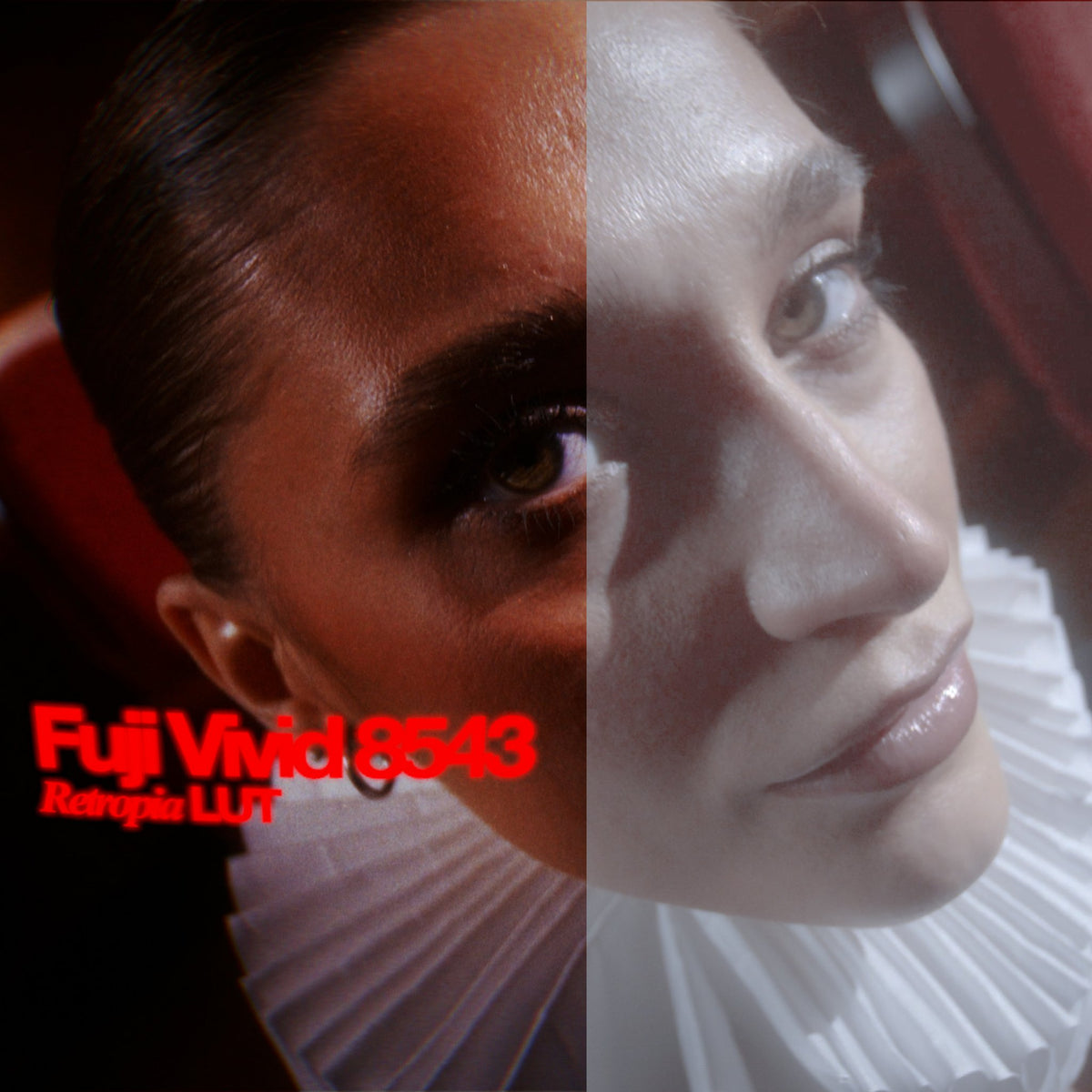
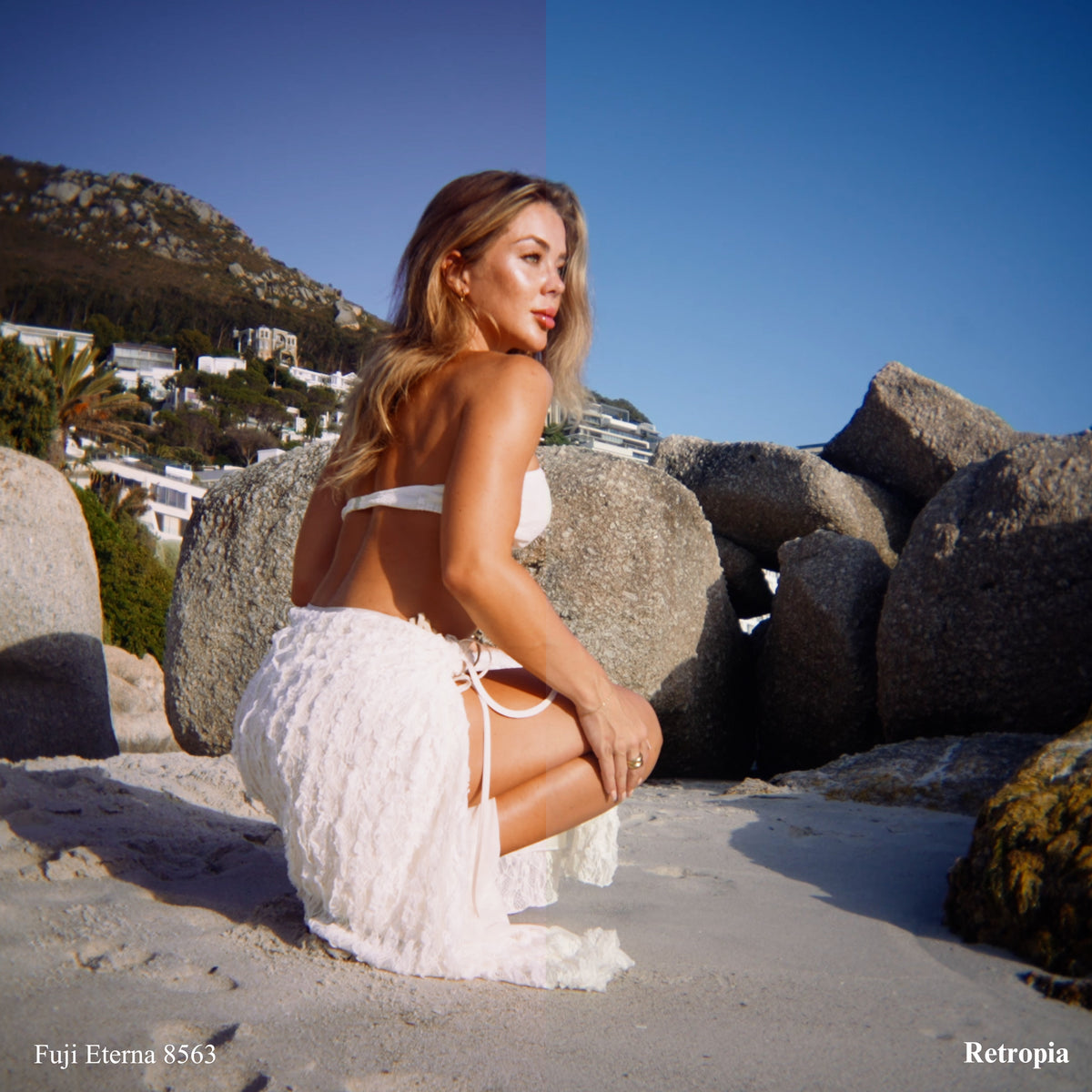
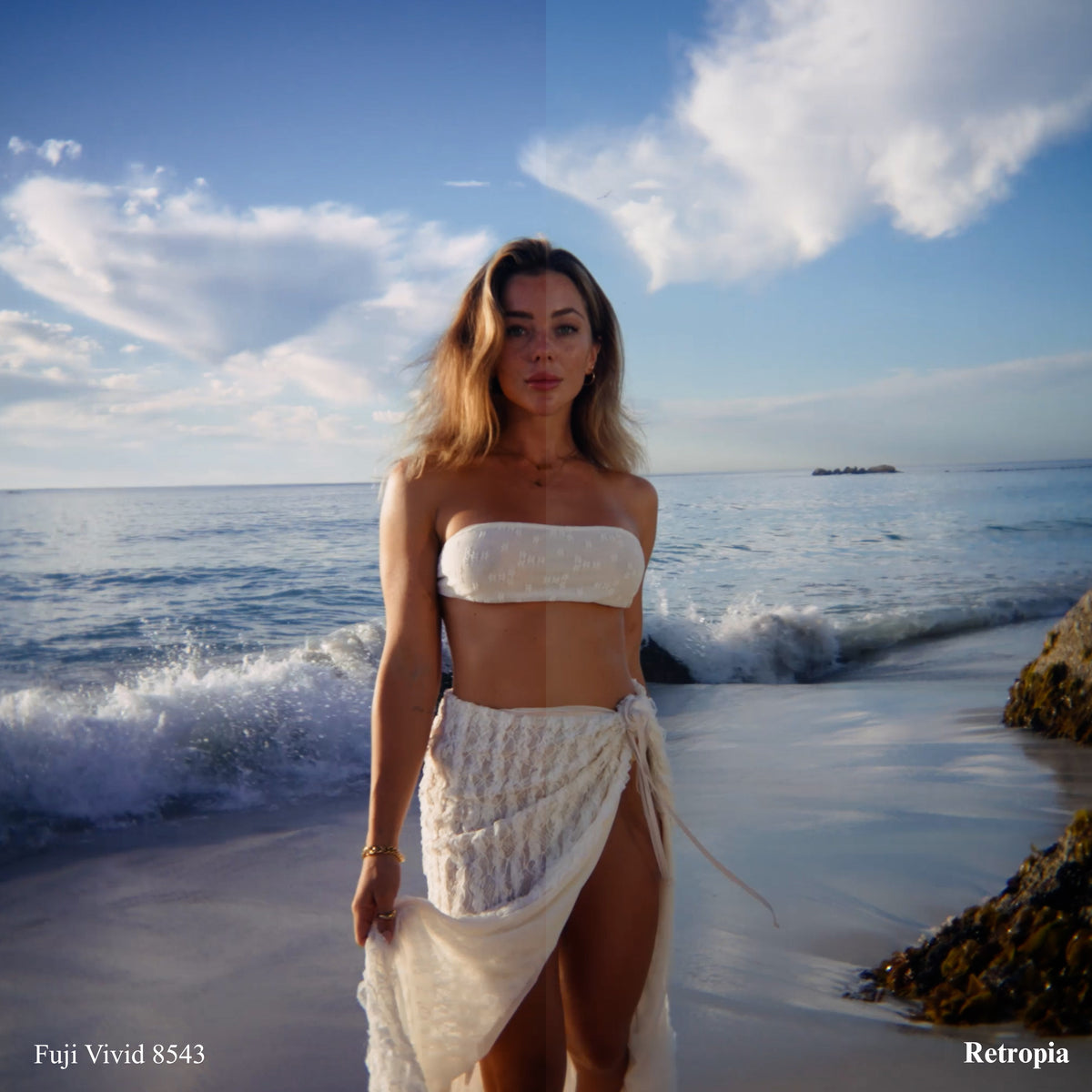
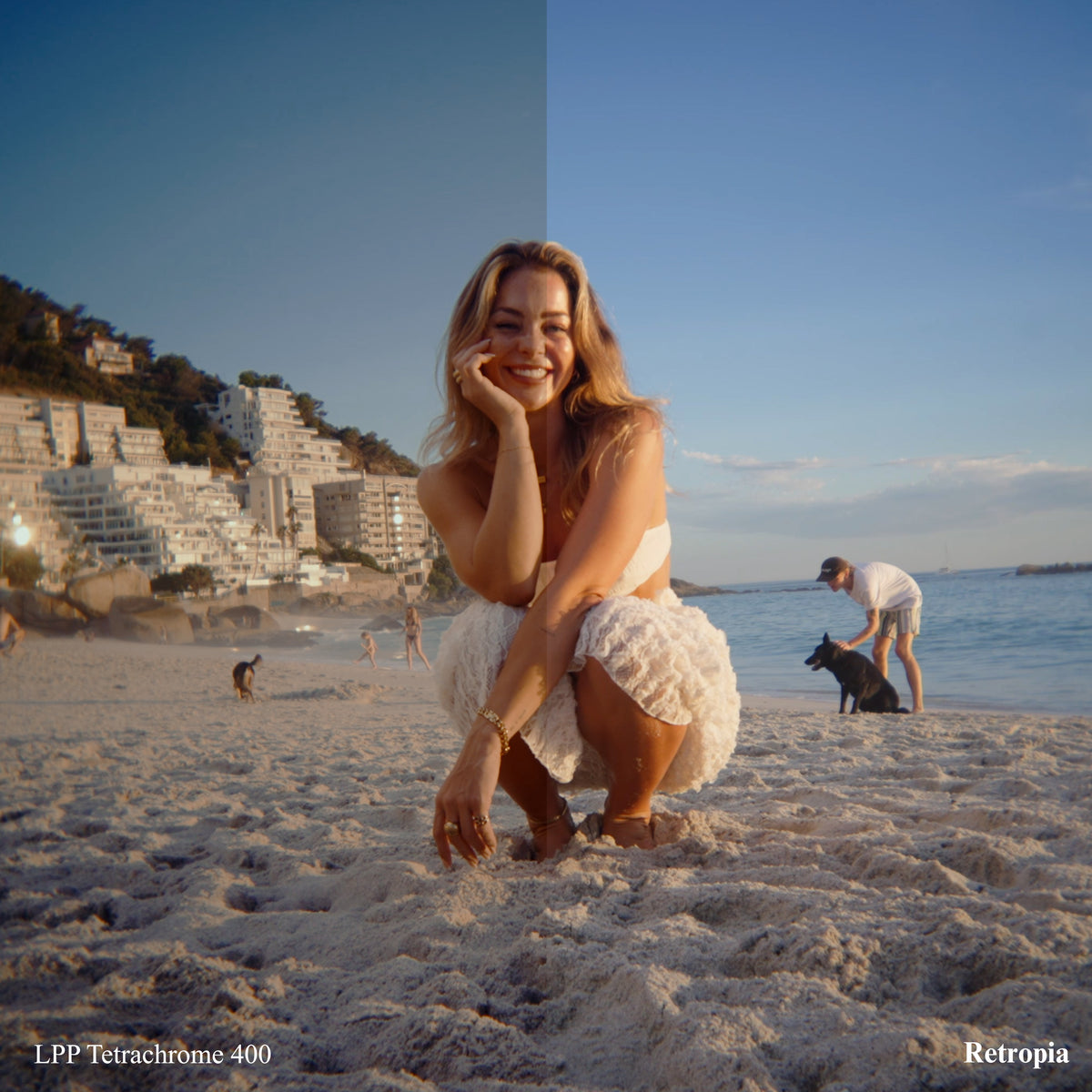
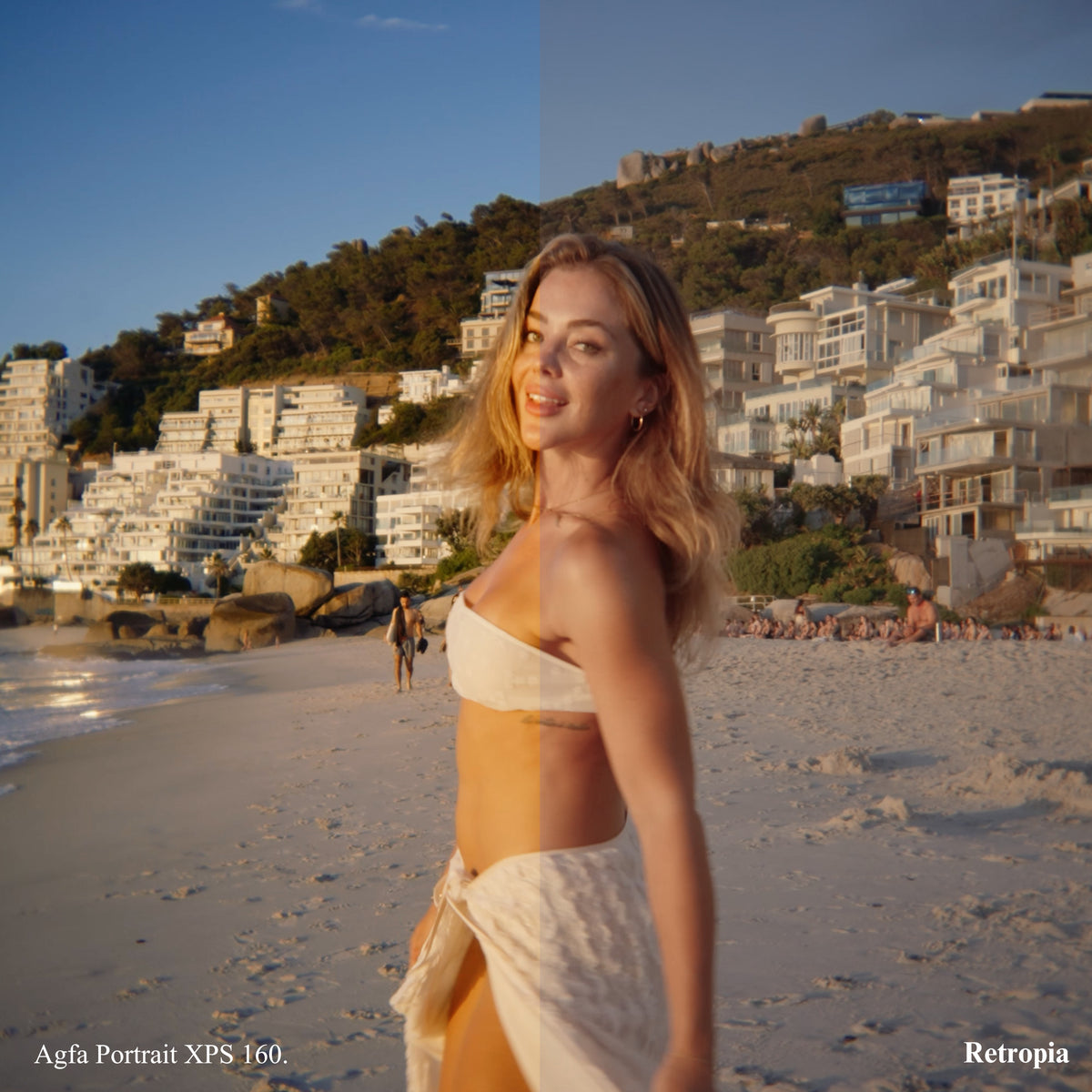

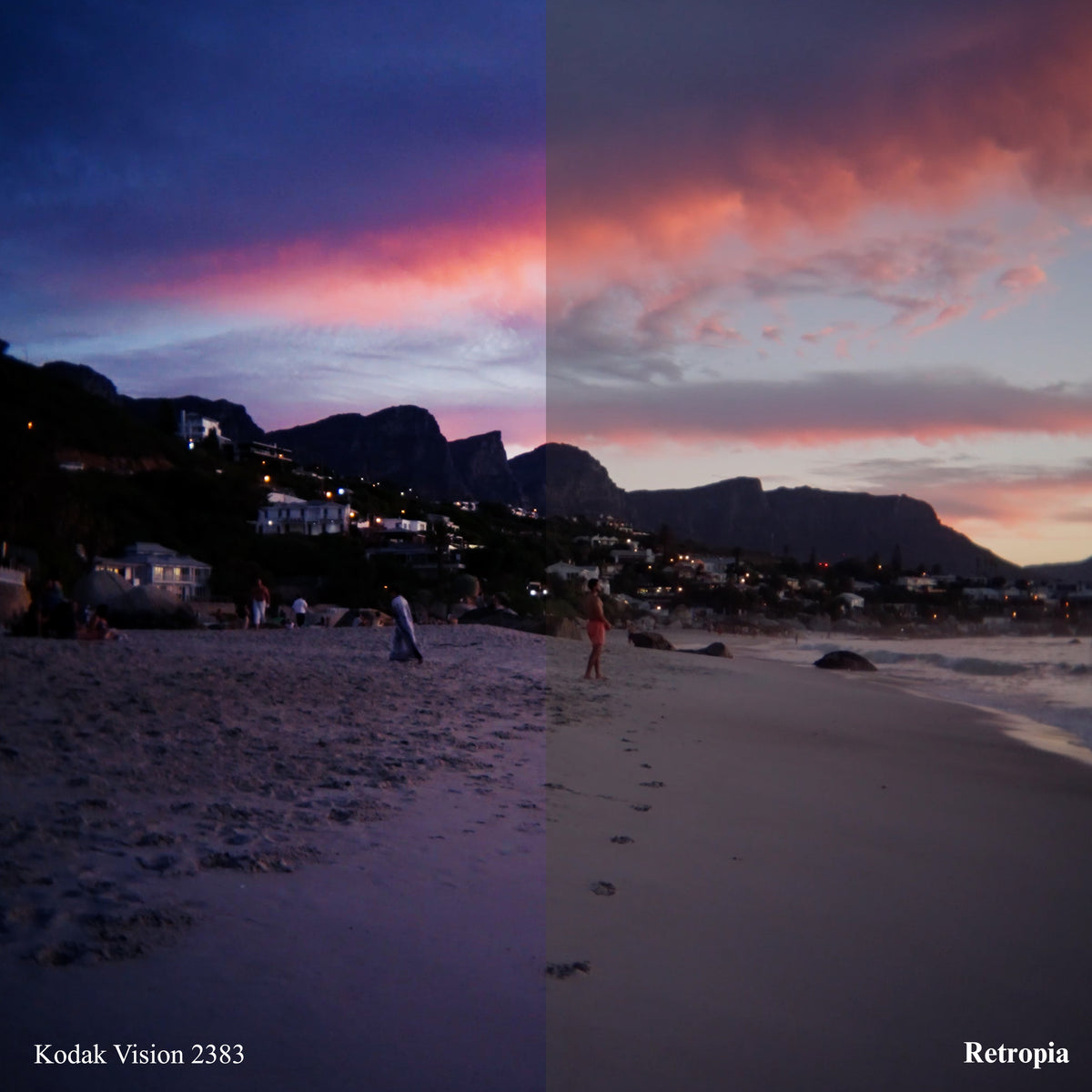
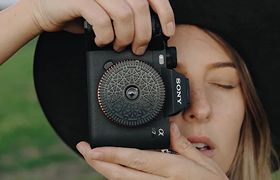



12 LUTs built from real film stock profiles, for video. Drop one on your footage in Premiere Pro, Final Cut Pro and DaVinci Resolve and the grade is done.
No plugins to install. Works in Premiere Pro, Final Cut Pro and DaVinci Resolve.

Each LUT carries the colour science, grain structure and tonal character of the stock it is named after.
All the major editing platforms: Premiere Pro, Final Cut Pro and DaVinci Resolve, and anything else that reads a standard LUT.
There is nothing to install and no plugin to buy. A LUT is a file your editor already knows how to load.
Drop a LUT onto a clip in your colour panel and the grade lands. Dial the strength back if you want it lighter, or grade underneath it as you normally would.
They are built for footage, and they sit on top of what the Retropia® lens already does in camera.
The download link is sent the moment the order goes through, so there is nothing to ship and nothing to wait for.
If the link does not work for you, email support@retro-pia.com and we will send the files across directly.
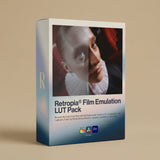
Retropia® Film Emulation LUT Pack (12 Video LUTS)

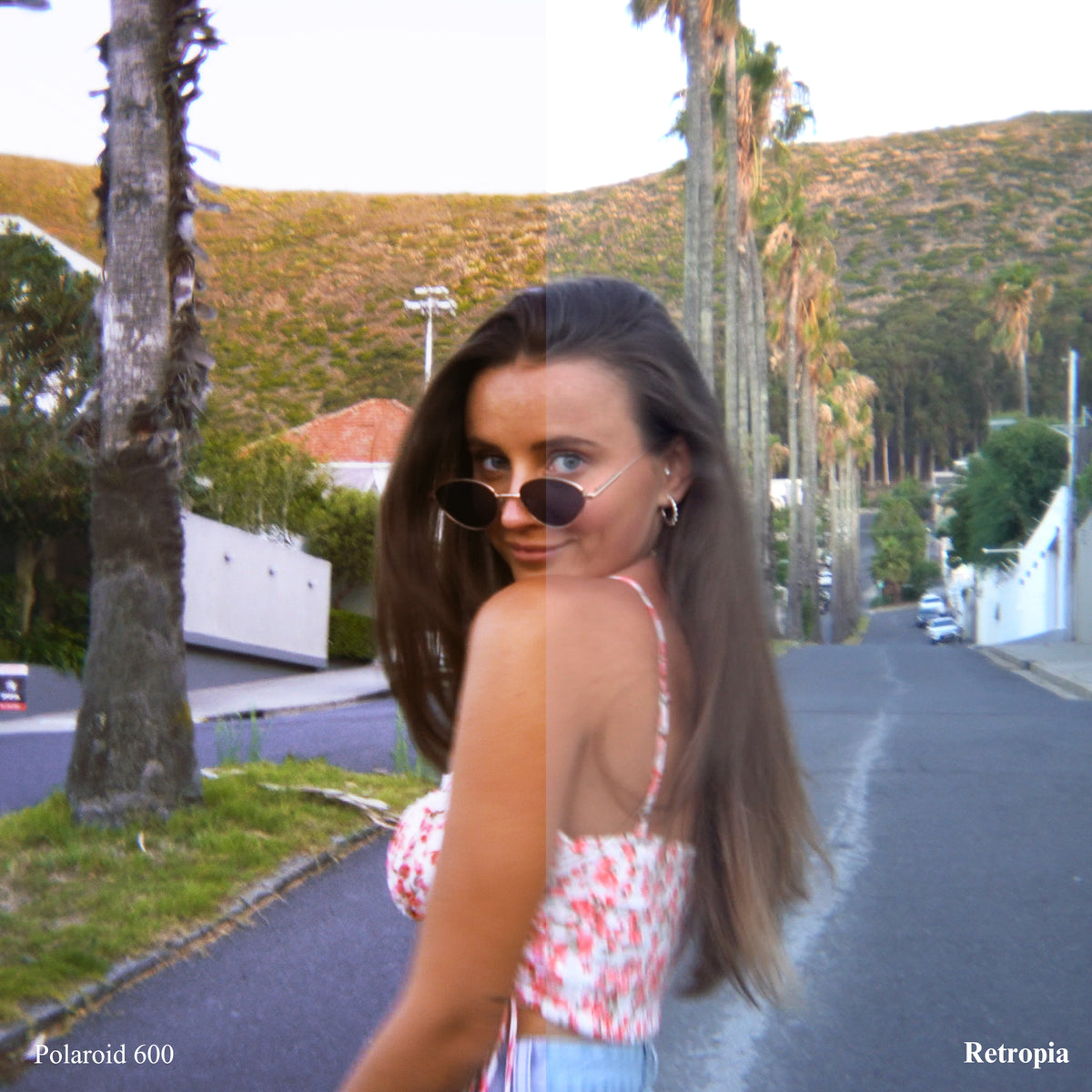
Just shoot and apply. These LUTs are crafted from actual film stock profiles, so digital footage takes on true analog characteristics. No plugins, no guesswork, just film emulation in seconds.


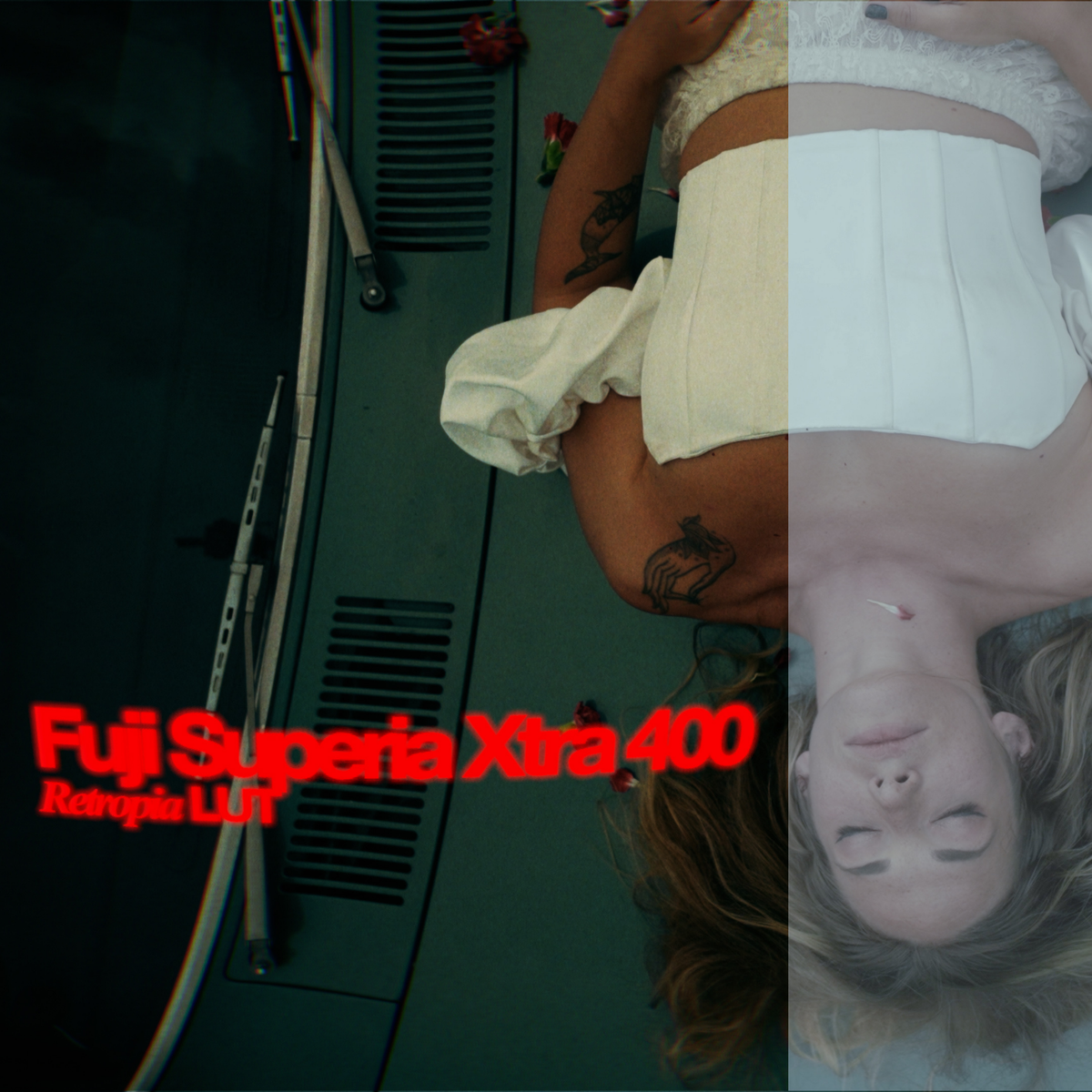
Ungraded on the left, the LUT on the right. Every frame below is one file, applied once.


Moving pictures
What true film colour does to footage, at full speed rather than in a still.
No colour grading experience required
A LUT is a lookup table: a file that maps every colour in your footage onto the colour the film would have produced. Your editor already knows how to load one, so there is no plugin and no subscription between you and the grade.


A link lands in your inbox the moment the order goes through.
Point Premiere Pro, Final Cut Pro and DaVinci Resolve at it once. There is nothing to install.
Twelve profiles, from Portra 400 to Polaroid 600. One click each.
Take the strength down if you want it subtle, and grade underneath as usual.
Analog colour science
Built from the stock itself
Each LUT carries the colour science, grain structure and tonal character of the film it is named after.

Works everywhere
No plugin, no subscription
Compatible with all the major editing platforms: Premiere Pro, Final Cut Pro and DaVinci Resolve, and more.

Feel the difference
Colour that carries weight
True film colour breathes life back into footage that came off the sensor flat.
Three ways to colour a video
A free LUT is usually one look somebody liked. Grading by hand costs an evening per project. These are twelve profiles measured off the stocks themselves, and they land in a click.
Built from measured film stock profiles
12 named stocks, not one generic look
Film contrast curves, not just a colour shift
Lands on a clip in one click
Works in every major editor, no plugin
Still fully gradeable underneath
Retropia LUTs
Free LUT packs
Grading by hand
Retropia LUTs
Built from measured film stock profiles
12 named stocks, not one generic look
Film contrast curves, not just a colour shift
Lands on a clip in one click
Works in every major editor, no plugin
Still fully gradeable underneath
Free LUT packs
Built from measured film stock profiles
12 named stocks, not one generic look
Film contrast curves, not just a colour shift
Lands on a clip in one click
Works in every major editor, no plugin
Still fully gradeable underneath
Grading by hand
Built from measured film stock profiles
12 named stocks, not one generic look
Film contrast curves, not just a colour shift
Lands on a clip in one click
Works in every major editor, no plugin
Still fully gradeable underneath


Pair them with the Retropia® disposable camera lens and the two work as one: the optics give you the flare and the softness in camera, the LUT gives you the stock it was shot on. On any other footage they stand on their own.


Every order
Nothing ships and nothing is on back order. The link is sent the moment the order goes through, and the files load into an editor you already own.
If a download link gives you trouble, we send the files across directly rather than pointing you at a help page.

Download instantly and start using them. The link is in your inbox as the order goes through.
Compatible with all major editing platforms: Premiere Pro, Final Cut Pro and DaVinci Resolve, and more.
The optics do the flare in camera, the LUT does the stock. Together they read as one look.
Download not working? Email support@retro-pia.com and we will send the files directly.

Apply one in your editing software and the footage changes instantly. No colour grading experience is required: one click gives you the result.
No. They are designed to work beautifully with the lens, and the two together give a cohesive vintage film look, but they can be used on any video on their own.
Premiere Pro, Final Cut Pro and DaVinci Resolve, and anything else that reads a standard LUT. There is nothing to install and no plugin to buy.
Yes. A LUT sits on top of your grade rather than replacing it, so exposure, white balance and everything else stay yours to move. Dial its strength back if you want it subtler.
#thisisretropia